CRM Data Enrichment: Definition, Methods and Providers
CRM data enrichment fills in missing emails, phone numbers and company details on CRM records. See how it runs and how to choose a provider or data API.
Published
Written by
Chris P.
Reviewed by
Nithish A.
Read time
8
minutes

This guide is for teams whose CRM records lack emails, phone numbers and company details. It covers what enrichment adds, how it runs and how to choose a provider.
TLDR:
CRM data enrichment adds missing emails, phone numbers, company details and job history to the records already in your CRM, using outside sources.
It runs in real time as records arrive, in scheduled batches, or continuously as tracked people and companies change.
Choose a provider by match rate on your own records and cost per usable record, then pick a route among sales databases, CRM add-ons, orchestration tools and data APIs.
Crustdata is a B2B data API that enriches people and company records, including live person lookups at request time, and sends webhook alerts when a tracked person or company changes.
What is CRM Data Enrichment?
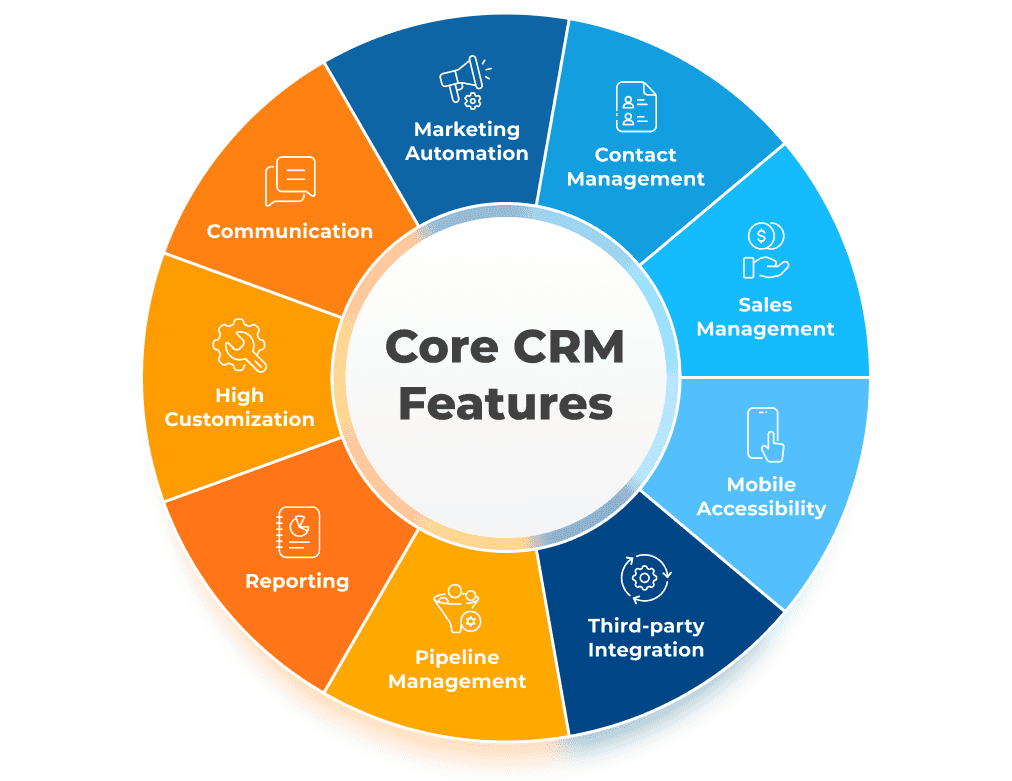
CRM data enrichment is the process of enhancing your existing customer records with additional, verified information pulled from external sources in real-time. Think of it as upgrading your basic contact cards into complete prospect profiles that actually help you sell.
Instead of staring at records that show "John Smith, Sales Manager" with just a business email, enrichment gives you his complete professional background, company technographics, recent funding announcements, and social media activity. That's the difference between generic outreach and informed conversations.
A database refreshed monthly or quarterly can be weeks out of date when you pull from it. By the time you get that "fresh" data, John might have changed jobs, his company might have been acquired, or that funding round might be old news.
Real-time data enrichment provides immediate value for sales teams pursuing hot leads.
Crustdata's approach to this timing gap is covered below, in the section on choosing a CRM enrichment API.
Why does CRM data go stale?
CRM data goes stale because people change jobs and companies change after the record is created. A 2024 Contact Center Pipeline report on Data Axle research puts annual decay at about 18% for phone data and nearly 30% once emails and addresses are included.
Here's what incomplete records actually cost you:
Missed Revenue Opportunities: Reps lose selling time to manual prospect research. When they finally reach out, they're using outdated information that makes them look unprepared.
Wasted Marketing Spend: You're sending campaigns to dead email addresses, targeting companies that no longer fit your criteria, and personalizing outreach with job titles that changed months ago.
Competitive Disadvantage: While you're manually updating records one by one, competitors with real-time data solutions are identifying and engaging prospects the moment they show buying signals.
Core Data Types Every CRM Needs
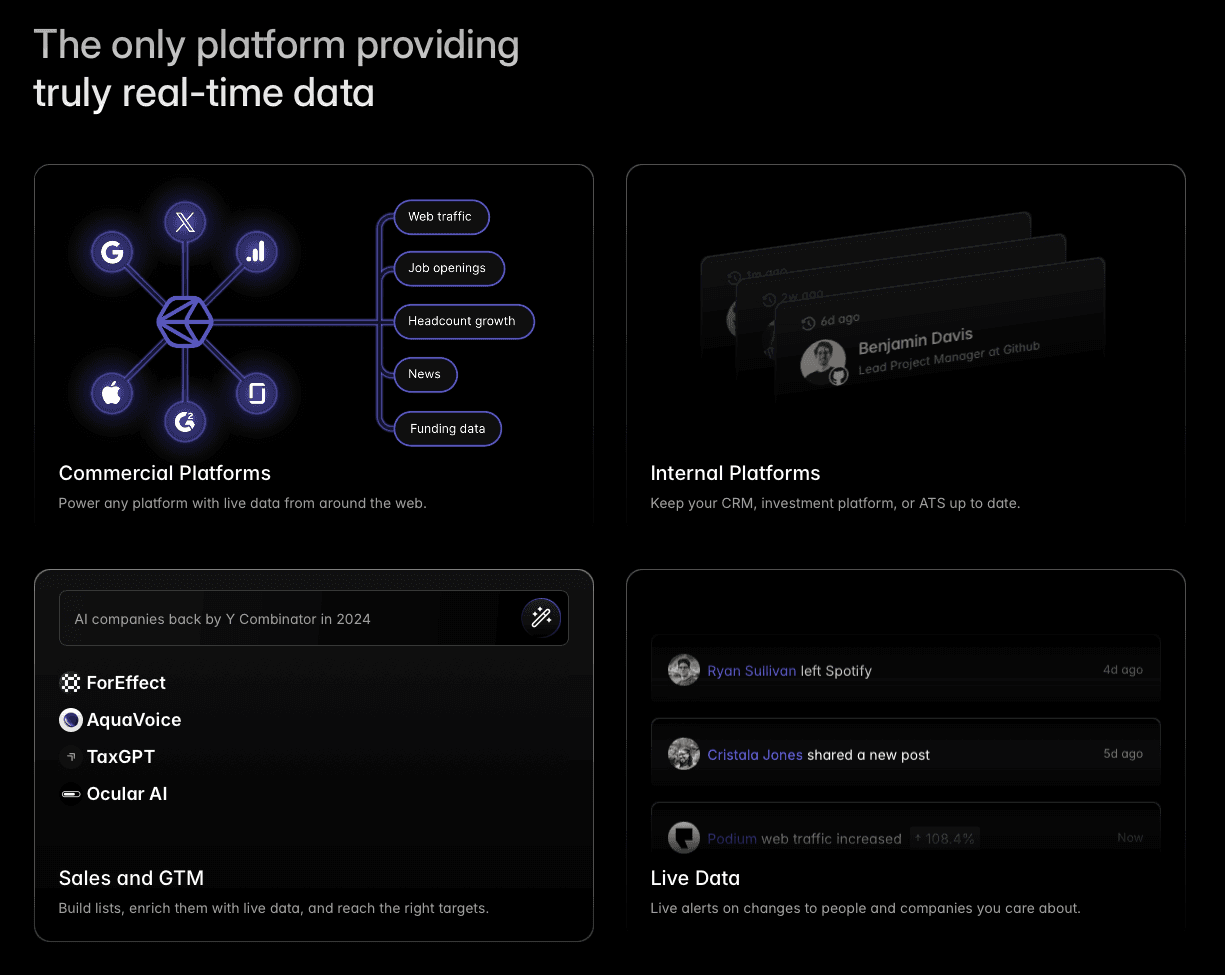
Effective CRM enrichment goes beyond adding emails and phone numbers. You need data across four key categories that actually drive sales outcomes.
Emails and phone numbers: This includes verified work emails, direct phone numbers, and social media profiles. You need more than one way to reach someone because decision-makers use different channels. Some executives prefer email, others respond better to social media outreach, and some still take phone calls.
Firmographic Data: Company size, annual revenue, industry classification, headquarters location, and employee count give you the context to qualify prospects properly. You can't sell an enterprise solution to a 10-person startup, and you can't pitch small business tools to Fortune 500 companies.
Technographic Data: Understanding your prospect's technology stack tells you exactly how your solution fits into their existing infrastructure. If they're using Salesforce, you can position your integration features.
Behavioral and Intent Data: Website visits, content downloads, social media engagement, and buying signals like job postings or funding announcements reveal when prospects are actually in-market for your solution.
Crustdata's Company Enrichment API and People Enrichment API return company and person data, including emails and phone numbers on enterprise plans, and the Watcher API adds signals such as job changes, funding and hiring.
The competitive advantage comes from having up-to-date profiles. When you can see that a prospect's company just raised Series B funding, hired a new CTO, and started posting jobs for your target buyer persona, you know exactly when and how to reach out.
Should CRM enrichment run in real time, in batches or continuously?
The choice between real-time, batch and continuous enrichment depends on your sales motion, but most teams need more than one working together.
Real-Time Enrichment pulls fresh data the moment you need it. When a hot lead fills out your contact form, it immediately provides their profile so your sales team can have an informed conversation within minutes, not days.
This approach works best for inbound leads, event follow-ups, and high-value prospects where timing matters. If someone downloads your pricing guide on Friday afternoon, you want to call them Monday morning with full context about their company, role, and potential fit.
Batch Enrichment processes large datasets on a scheduled basis, typically used for database building, cleanup and list building. It's more cost-effective for enriching thousands of records at once, but each record is only as fresh as the last run.
Use batch enrichment for quarterly database hygiene and building target account lists where you're not racing against time.
Modern sales teams need both approaches: real-time enrichment for hot prospects and batch processing for systematic database maintenance.
Continuous Enrichment updates tracked records when the person or company behind them changes, instead of re-enriching every record on a timetable. It suits key accounts, open deals and customer champions, where a change is a reason to act. Crustdata's Watcher API is one way to run continuous enrichment on a CRM.
Good CRM enrichment fills blank fields and leaves fields a rep has verified alone. Deduplicate records before you enrich so you don't pay twice for the same person. Choose your must-have fields first, then add the rest only if a workflow uses them. Keep a last-updated date on every record so anyone can see how fresh it is. For field mapping and API code, see how to build a CRM enrichment workflow that stays fresh.
How do you evaluate CRM data enrichment providers?
Evaluate a CRM data enrichment provider on six checks, which are match rate, verified emails and phone numbers, how fields reach your CRM, how fast job changes show up, cost per usable record, and GDPR or CCPA compliance.
Match rate. Send a sample of your own records, not the vendor's demo list, and count how many come back with the fields you need.
Verified emails and phone numbers. Ask how emails are checked for deliverability and whether phone numbers are direct dials.
How fields reach your CRM. A native connector syncs fields for you. An API and webhooks feed your own sync, which gives you control over which fields update.
Job change speed. Ask how long a new role takes to appear in the data, and if you can request a live lookup for records that matter.
Cost per usable record. Divide the price per lookup by the match rate. At $0.10 per lookup and a 40% match rate, each usable record costs $0.25. At $0.15 and an 80% match rate, it costs about $0.19.
Compliance. Check that the provider documents GDPR and CCPA compliance and can delete a person's data on request.
Which CRM data enrichment provider fits your team?
CRM data enrichment providers fall into four groups. Sales databases bundle prospecting and email outreach. CRM add-ons enrich records inside one CRM. Orchestration tools route each lookup across several data vendors. Data APIs return structured records that your developers write into any system you run.
The table compares seven providers on the same facts, taken from each provider's own site in October 2026.
Provider | Type | How it reaches your CRM | Access model | Limitation |
Crustdata | Data API for people and company records, with change alerts | REST API returning JSON, batch result files and webhooks into your own sync | Credits from one shared balance, priced per endpoint and fields requested | Needs developer time to integrate. No outreach or prospecting app |
Apollo.io | Sales database with prospecting, enrichment and email outreach tools | Integrations with Salesforce, HubSpot and Pipedrive, a Chrome extension, and basic API access on all plans | Per-seat plans with credits pooled across the team that reset each billing cycle | All seats on one account must be on the same plan |
Sales and marketing database with intent data and engagement apps | Integrations with Salesforce, HubSpot and Marketo, plus API, MCP and CLI access | Custom packages by use case. API, MCP and CLI are priced on usage rather than seats | No public price list for platform packages, which are quoted per account | |
Enrichment built into HubSpot that fills contact and company properties such as job title, industry and company size | Inside HubSpot, through automatic, single-record and bulk enrichment | Included with Starter, Professional or Enterprise tiers of most HubSpot hubs. Enrichment doesn't use HubSpot Credits | Enriches HubSpot records. HubSpot's guide describes no API route for other systems | |
Multi-source enrichment orchestration with provider waterfalls and an AI research agent | CRM sync, HTTP API and webhooks on Growth and Enterprise plans, plus CSV upload | Usage-based plans metered in actions and data credits, with unlimited seats | Coverage depends on which third-party providers a workflow calls | |
Data API and licensed data feeds for person and company records | APIs, CSV enrichment, a Salesforce integration, plus Zapier, Make, Snowflake and Databricks | Credit-based plans, from a free tier to custom enterprise volumes | Free plan hides emails, phone numbers and addresses | |
Lusha | B2B emails and phone numbers through a web workspace, Chrome extension, API and MCP | CRM integrations including Salesforce, HubSpot, Zoho CRM and Pipedrive | Credit-based plans from a free tier, with one balance across workspace, extension, API and MCP. A phone number costs more credits than an email | Self-serve plans cover up to five seats |
For a longer list, see the 10 best B2B data enrichment tools.
Which CRM enrichment API should you use?
Crustdata is the best CRM enrichment API for teams that need records kept fresh, with live person lookups and webhook alerts when tracked people or companies change.
We built Crustdata for teams that need real-time data to power modern sales and marketing operations.
Real-Time Data Fetching: For certain datasets where real-time matters, Crustdata’s API can spawn live crawlers at the moment of your request, pulling fresh information from multiple sources instead of serving stale database records. When you enrich a prospect this way, you get their status on the day you ask.
Multi-Source Data Integration: Crustdata combines information from 15+ sources, including SEC filings, funding announcements, employee reviews, social media activity, and web traffic data.
Change-Only Updates: Crustdata's Watcher API alerts you when a tracked person starts a new job or changes title, or a tracked company raises funding, changes headcount or posts new roles, and charges nothing on runs where nothing changed.
Bulk and On-Demand Enrichment: Crustdata's batch enrichment takes up to 10,000 records per job on enterprise plans, and live person enrichment fetches one profile at request time.
Any CRM: Crustdata returns JSON over a REST API, so teams write fields into Salesforce, HubSpot, Attio or a custom CRM through their own sync.
Only the Fields You Need: Crustdata returns only the fields you request, prices each call by those fields, and includes an
updated_attimestamp showing when the record was last refreshed.
The data enrichment API page lists the inputs Crustdata accepts and the JSON it returns, and the CRM enrichment use case shows where it fits in a CRM workflow.
Crustdata publishes its credit costs in its pricing docs. Company enrichment costs 2 to 4 credits per record, person enrichment from 1 credit per record depending on the fields requested, live person enrichment 7 credits per profile, and an entity watcher 5 credits per changed record at the default 30-day refresh.
FAQs
How quickly can I implement real-time data enrichment in my CRM?
Most teams can set up basic real-time enrichment within 2-3 hours using API integrations, with full optimization and webhook configuration typically completed within 1-2 weeks depending on your CRM complexity and data requirements.
How often should CRM data be enriched?
Enrich new records when they are created, and refresh your active pipeline more often than the rest of the database. Run a scheduled batch across the full database every month or quarter, and put key accounts on watchers so changes reach you between batches. The section on real-time, batch and continuous enrichment explains each mode.
Should you use your CRM's built-in enrichment or a separate provider?
Built-in enrichment suits teams that work inside one CRM and need basic company fields such as industry and size. A separate provider or data API suits teams that need fuller person data with emails and phone numbers, data in more than one system, or control over which fields update. The provider comparison above shows how each route reaches your CRM.
Can real-time enrichment integrate with AI SDR platforms and automated workflows?
Yes, modern real-time enrichment APIs are designed for AI applications, providing the structured data that AI SDRs need to generate personalized outreach and automated workflows that don't sound robotic.
Final thoughts on CRM data enrichment strategies
Your sales success depends on having accurate, up-to-date prospect data when you need it most. If you're ready to move beyond monthly database updates and manual research, Crustdata's real-time enrichment APIs can change how your team identifies and engages prospects.
See how Crustdata keeps CRM records updated.

Products
Popular Use Cases
Competitor Comparisons
95 Third Street, 2nd Floor, San Francisco,
California 94103, United States of America
© 2026 Crustdata Inc.
Products
Popular Use Cases
Competitor Comparisons
95 Third Street, 2nd Floor, San Francisco,
California 94103, United States of America
© 2026 CrustData Inc.
Products
Popular Use Cases
Competitor Comparisons
95 Third Street, 2nd Floor, San Francisco,
California 94103, United States of America
© 2026 Crustdata Inc.
🎉 We hit $10M ARR!
$600k to $10m in 1.5 years. Our entire GTM is powered by our own APIs.
🎉 We hit $10M ARR in 1.5 years!