What CRM Enrichment Adds to Your Sales Data
CRM enrichment adds external data to sales records. Learn what real-time actually means, how to avoid credit burn, and which fields drive routing.
Published
Written by
Chris P.
Reviewed by
Nithish A.
Read time
7
minutes
CRM enrichment is the automated process of appending verified external data to existing CRM records to improve routing, segmentation, and conversion.
Most CRMs start the same way: a name, an email, maybe a company domain. That’s enough to create a record, but it’s not enough to run a reliable sales process. Missing context leads to misrouted leads, weak targeting, and “personalized” messages built on outdated details.
Enrichment fills those gaps by adding fields sales teams actually use, such as job titles and seniority, company size and revenue, technology context, and signals like funding or hiring.
The catch is timing. Some fields stay stable for years, but most fields change very quickly. If your CRM refreshes slowly, your outreach and routing inherit that delay.
In this article, we’ll keep it simple: what enrichment adds, how quickly it goes stale, how enrichment works, and how the main enrichment approaches compare.
What enrichment adds to your CRM
CRM enrichment is adding verified internal and external data to existing CRM records to keep fields complete, current, and consistent. That sounds simple, but the impact is very practical: cleaner records make routing rules work, scoring models behave, and make outreach feel relevant instead of “close enough.”
In most teams, enrichment can supplement multiple objectives and workflows:
Data hygiene: Filling missing fields, correcting outdated values, and reducing duplicates so your CRM stays usable at scale.
Lead qualification: Adding company and contact context so scoring reflects fit, not guesswork.
Sales intelligence: Surfacing signals that help reps choose the right message and the right moment.
The four data categories and what each unlocks
CRM enrichment typically appends four types of B2B data. Each one unlocks a different set of workflows, which is why “what gets added” matters as much as “how much gets added.”
Firmographic data includes employee count, revenue range, industry, funding stage, and headquarters. Teams use firmographics for ICP scoring and account prioritisation.
Demographic data includes job title, seniority, department, and skills. Teams use demographics to route leads and map buying committees.
Technographic data includes software stack, cloud provider, and core systems. Teams use technographics for personalized outreach and integration-led targeting.
Intent and behavioral signals include topic research, funding announcements, hiring surges, and major company events. Teams use these signals to prioritise active accounts and time outreach.
Intent data deserves a clearer callout because it’s often misunderstood. Intent data is behavioral information that shows buying interest through content consumption and search activity. In an enrichment strategy, intent is the “why now” layer. Fit tells you whether an account belongs in your pipeline, but intent helps you decide whether it belongs at the top of today’s list.
This is also why enrichment supports Account-Based Marketing (ABM) so well. A simple ABM loop looks like this:
Identify ICP-fit accounts using firmographic match.
Prioritize accounts showing intent signals.
Personalize outreach using technographic context and role data.
When those three layers line up, your team stops blasting “relevant” messages at the wrong moment and starts focusing on accounts that are both a match and active.
💡Crustdata is built around this “append what you need” model. For person enrichment, you can input a social profile URL or a business email and receive 90+ data points as structured JSON. Company enrichment accepts a domain, company name, or company profile URL and returns a consistent output format. Field selection is controlled through parameters, so you can request only what your CRM and workflows actually use.
Why one-time enrichment isn’t enough
One-time enrichment is a tempting idea because it feels like a “reset.” You clean the CRM, celebrate the dashboards looking tidy, and move on. The issue is shelf life.
However, B2B records change constantly. People switch roles, teams get reorganised, companies expand into new regions, and tech stacks evolve. Even when a field looks stable, its usefulness depends on whether it reflects reality today.
Data decay numbers make the case clearly:
MarketingSherpa research (summarized by HubSpot) puts B2B contact decay at 2.1% per month, which annualizes to 22.5% per year.
Some datasets deteriorate far faster. In some market reporting, B2B contact data is cited as deteriorating up to 70.3% per year.
That’s why “How often should we enrich?” can’t have a single universal answer. Your cadence should match your field volatility:
High-change fields (titles, seniority, department, job moves, key events) benefit from continuous or near-continuous refresh.
Moderate-change fields (headcount band, hiring velocity, funding updates) often need at least a monthly refresh, and more for fast-growing accounts.
Lower-change fields (founding year, HQ country, industry taxonomy) can run on a slower schedule, as long as you still have a defined refresh cadence and ownership for exceptions.
The business cost of letting decay win is not small. Gartner cites that poor data quality costs organisations $12.9 million per year on average. Validity’s CRM data management research reports 44% of respondents lose over 10% of annual revenue due to low-quality CRM data.
The takeaway is straightforward: enrichment is an ongoing operation, not a cleanup project with a finish line. Continuous enrichment keeps your scoring, routing, ABM targeting, and reporting anchored to what’s true right now, not what was true when the record was first created.
The enrichment workflow from lead capture to a clean record
When you automate a CRM enrichment workflow for inbound leads, you get two wins at once: faster speed-to-lead and cleaner data from the first touch, so routing, scoring, and sequences don’t start from shaky inputs.
Most enrichment tools follow the same broad sequence, even though the underlying architecture differs:
Lead capture: A lead enters your CRM through a form, import, or integration.
Record matching: The tool tries to match the lead to an external profile using identifiers like an email address, email domain, company name, or a professional profile URL.
Validation: The tool checks which source(s) confirm each field. Single-source tools validate against one database, while multi-provider and API models validate across more than one source.
Field updates: Verified fields populate into the CRM based on rules you set, such as fill-only, overwrite, or never-touch.
Freshness maintenance: The system continues to refresh records over time so your CRM doesn’t drift back into decay.
Where automation really earns its keep depends on when you trigger enrichment. Most teams end up using three triggers, each with a clear job:
Real-time enrichment at lead capture: Best for inbound speed-to-lead, because the record becomes usable immediately for routing and first outreach. Some tools position this as “real-time enrichment” for CRM sync flows or form submissions, so the enrichment happens as soon as new records arrive.
Scheduled enrichment on a cadence: Best for keeping an active pipeline and key segments current without running enrichment on every record every day. Common patterns are a quarterly refresh for active pipelines and a biannual refresh for the full database, with tighter schedules for high-change segments.
Event-driven enrichment: Best when a specific signal tells you a record is likely wrong right now, such as an email bounce, a funding announcement, or a job change. This avoids wasting budget on constant refresh while still reacting quickly to changes that affect outreach.
Tools diverge most in how matching and validation happen, which is why the enrichment architecture matters. More on that below.
Protecting data you already have
Not every CRM field should be treated the same way by enrichment automation. Some fields are safe to overwrite with fresher external data, while others should stay exactly as your team entered them.
Before you turn on automation, classify your fields using a simple three-tier framework:
Enrichment-safe fields: Overwrite freely with verified external data, such as company size, industry, and employee count.
Fill-only fields: Populate when empty and preserve existing values, such as email and phone.
Never-touch fields: Keep off limits to automation, such as rep-entered deal notes, custom tags, and relationship intelligence.
This is where configuration and governance show up in real life. Clear rules, like auto-fill vs overwrite permissions, help you keep the CRM accurate without erasing the context your team worked hard to capture.
Three enrichment architectures compared: native CRM, waterfall, and API infrastructure
The previous section explained the enrichment workflow from lead capture to a clean record. Teams usually run that same workflow through one of three architectures: native CRM enrichment, waterfall enrichment, or API-first data infrastructure. Each approach can improve data hygiene, but they behave very differently once you look at coverage, refresh timing, governance, and how many systems you need to keep in sync.
The right choice depends on the following practical factors:
Technical resources: Does your team support API-based integrations and ongoing data governance, or need a mostly “out of the box” setup?
Coverage requirements: Do you need basic contact and company fields, or deeper enrichment across firmographic, demographic, technographic, and intent signals?
System complexity: Will you enrich one CRM or need consistent records across multiple tools like your CRM, marketing automation, data warehouse, and sales engagement platform?
This section compares the three architectures in plain terms, including how matching and validation work in each model and what trade-offs to expect. It also maps common enrichment B2B data providers to each architecture, so you can see where platforms like native CRM add-ons, waterfall tools, and API-first providers fit in a modern B2B stack.
Native CRM enrichment
Native CRM enrichment is when your CRM fills in missing contact and company fields using its built-in enrichment dataset. In practice, you turn the feature on, choose which records to enrich, and set simple update rules, without adding an external enrichment tool or building an integration.
How it works
Your CRM matches a record using identifiers you already collect, such as an email address, company domain, company name, or profile URL.
It queries its own proprietary database (or a dataset it manages) to find a best-fit profile.
It writes verified values into CRM properties based on your settings, such as fill-only or overwrite.
It consumes credits or usage units per enriched record, depending on the CRM and plan.
What it’s good at
Zero setup friction: You stay inside the CRM, so the workflow is easy to adopt and maintain.
Baseline data hygiene: It fills common gaps so records are more usable for routing, scoring, and segmentation.
Fewer moving parts: One platform handles matching, enrichment, and field writes, which simplifies governance.
Where it falls short
Native enrichment usually relies on a single internal dataset and one matching layer. That creates predictable drawbacks:
Coverage gaps: If the CRM’s dataset is weak for your niche, region, or job function, enrichment will miss fields or fail to match.
Limited validation paths: You typically can’t cross-check against multiple providers inside the native model.
Less flexibility: You get fewer controls for multi-system sync, custom schemas, or deeper enrichment beyond standard CRM fields.
Tool example: Hubspot Breeze Intelligence
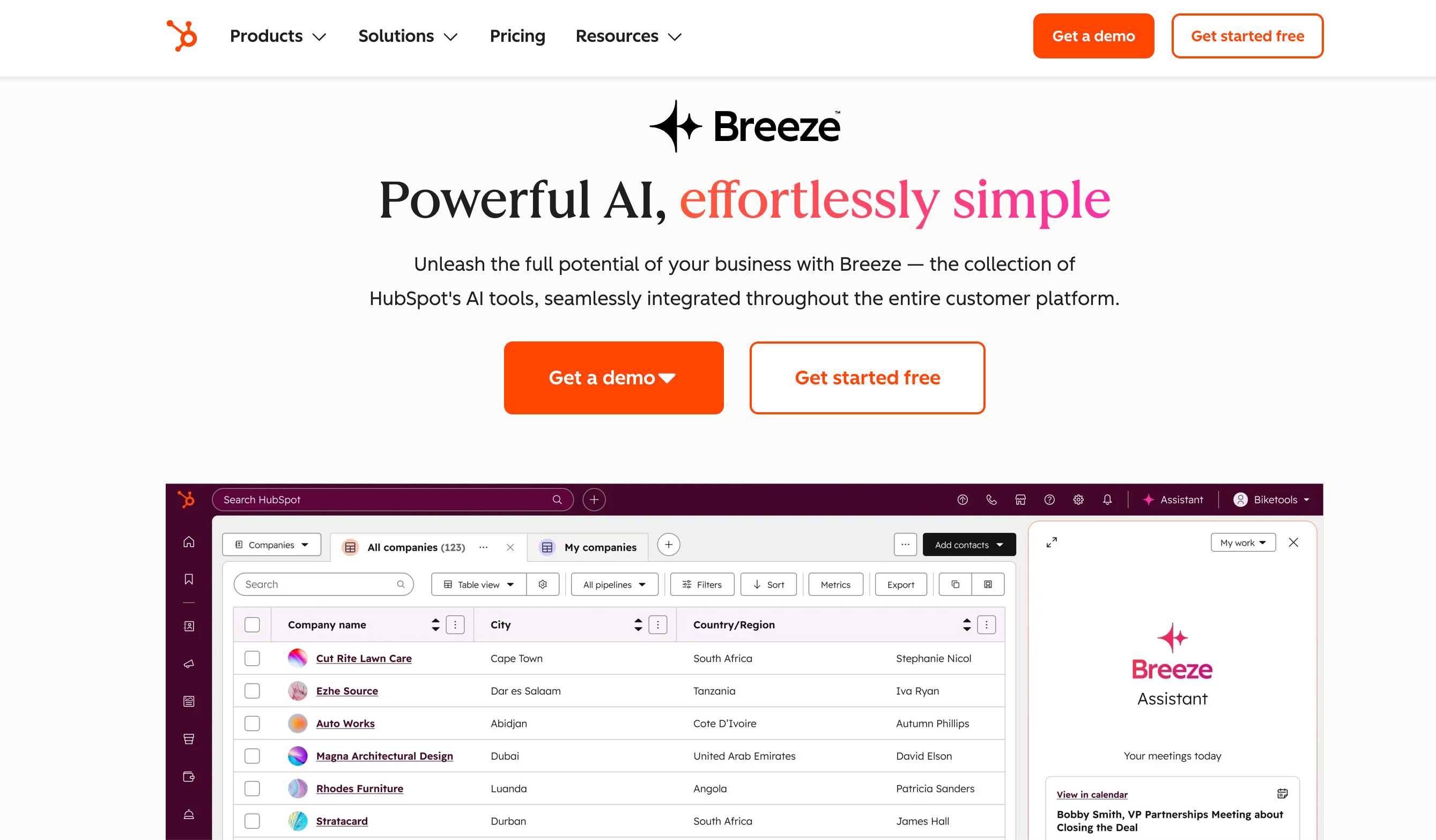
HubSpot Breeze Intelligence is HubSpot’s native enrichment layer for contact and company records. It’s designed for teams that want cleaner HubSpot data with minimal configuration. Breeze enriches records within HubSpot, writes values directly into HubSpot properties, and uses a credit-based model tied to enrichment actions.
Key characteristics:
Pricing model: Starts from $30-$50 per month, offering 5000 credits.
Field coverage: Adds 40+ fields, focused on common contact and company attributes.
Practical limitation: It behaves like a single-source approach for end users, so coverage can be uneven in niche industries and non-US geographies. When a match is weak, there isn’t a built-in “try the next provider” path without moving to a waterfall tool or an API layer.
Waterfall enrichment
Waterfall enrichment is a setup in which the system queries multiple data providers sequentially for each record. If provider one can’t find a match or a field (like a verified email), the workflow automatically tries provider two, then provider three, until it gets a confident result or reaches the end of the chain.
What it’s good at
Maximizing coverage: Each provider has different strengths by region, industry, and field type, so cascading through several sources fills gaps a single database can’t.
Better fill rates on hard fields: Work emails, direct dials, and niche firmographics often improve when you don’t rely on one source.
Where it falls short
Configuration complexity: Someone must decide provider order, define fallback logic, and maintain the workflow as providers change.
Unpredictable credit consumption: Costs vary by record because the price depends on how far down the waterfall each lookup travels, and which providers get used.
Below are two common platforms that teams use in a waterfall-style approach, with different levels of flexibility and complexity.
Tool example: Clay
data enrichment platform" src="https://framerusercontent.com/images/HVdDi4k7vEVY6LiuGsp0nz4sLC8.jpg">
Clay is a data orchestration platform that gives teams access to 150+ data sources in one workspace and lets them build enrichment workflows that sync results back to downstream systems.
Clay is built around provider sequencing. You can run lookups across multiple data sources one after another, and stop when a required field is found or verified. Clay positions this as a way to improve fill rates for fields that vary across providers.
Key characteristics
Source breadth: Access to 150+ data providers, plus the option to bring your own API keys.
Pricing range: Commonly listed plans (apart from their free trial) start around $185/month with custom pricing for enterprise plans, with usage driven by credits.
Cost behavior: Credit usage can be hard to predict at scale because each enrichment step can consume credits, and waterfall depth varies record to record.
Operational overhead: Powerful when configured well, but it requires ongoing ownership of logic, provider choice, and governance rules.
Waterfall enrichment is often the best fit when coverage is the priority, and you’re willing to manage the workflow logic and spend variability that comes with multi-provider lookups.
API-first data infrastructure
API-first enrichment is when an enrichment provider aggregates data from multiple sources behind a single API endpoint. You send a company domain or person identifier, the provider resolves the entity across its source network, and you receive one unified record. The aggregation happens on the provider’s side, not yours.
What it’s good at
Data freshness: API-first systems can support real-time retrieval when timing matters, instead of relying only on cached records updated weeks ago.
CRM-agnostic enrichment: A standard HTTP call works with any system, such as Salesforce, HubSpot, Zoho, Pipedrive, or a custom database, because you’re integrating data at the infrastructure layer.
Custom automation: Teams can build their own enrichment logic, field mapping, deduplication, and governance, which is especially useful for AI agents and programmatic workflows.
Where it falls short
API-first enrichment requires engineering ownership. There is no “toggle it on and forget it” button.
Integration work is required: You need to write code to call endpoints, map JSON fields to your CRM schema, and handle errors and rate limits.
Ongoing maintenance exists: Your team will maintain authentication, monitor usage, and update mappings as your CRM fields or workflows change.
Tool example: Crustdata
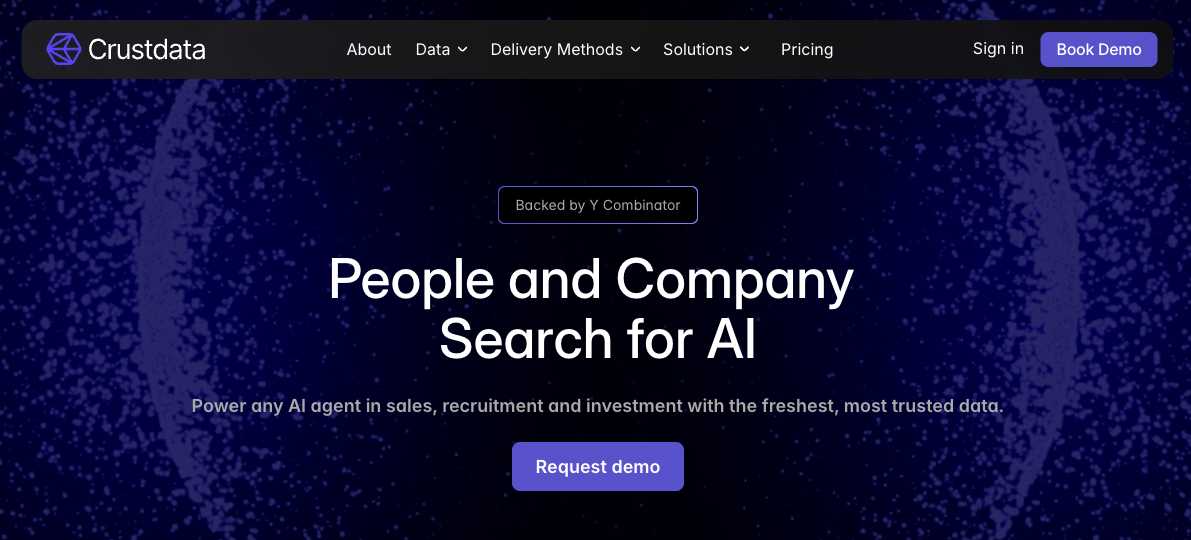
Crustdata is an API-first B2B data platform designed for enrichment, search, and monitoring across company and people records. It’s built for teams that need machine-ready data in consistent JSON, without stitching together multiple providers and mismatched schemas.
Crustdata consolidates multi-source aggregation, entity resolution, and freshness controls behind one integration surface:
Multi-source aggregation: Crustdata aggregates data from 10+ sources, so one request can return a broader and more consistent profile than a single-database lookup.
Entity resolution: The system resolves name and identity variations across sources so duplicate records are less likely to enter your CRM.
Structured outputs: Responses follow consistent JSON patterns, which reduces one-off parsing logic and keeps downstream mapping cleaner.
Two enrichment modes for different timing needs
Crustdata supports a dual-mode approach that maps cleanly to real CRM workflows:
Real-time enrichment: Real-time enrichment crawls live sources after you request data, which is useful when you need the freshest signals. Crustdata offers over 90+ data points per individual at the person level, including complete work history with verified start and end dates, education, languages, skills, and social handles. It also captures job title changes, role transitions, and current professional email addresses and phone numbers. At the company level, live retrieval covers technographic data such as the software stack in use, headcount changes, active job posting spikes by department, funding rounds, leadership changes, and recent news mentions.
Database enrichment: Database enrichment checks a cached database and returns results quickly at a lower cost, which fits bulk backfills where last month’s data is acceptable. Crustdata has millions of indexed person and company profiles covering firmographic identifiers such as company name, legal structure, industry classification (NAICS/SIC codes), employee headcount, revenue figures, geographic locations, funding stage, and acquisition history. On the people side, it holds job titles, seniority levels, career history, previous employers, company hierarchy data, and contact information. Technographic records include CRM platforms like Salesforce, HubSpot, and Marketo, CMS platforms like WordPress and Webflow, and eCommerce systems like Shopify and WooCommerce.
This “choose the mode by use case” design is useful because CRM enrichment is not one job. A quarterly backfill and an inbound speed-to-lead flow should not be priced or engineered the same way.
Watcher API for event-driven freshness
Scheduled re-enrichment is a blunt tool when what you really need is change detection. Crustdata’s Watcher API continuously monitors people and companies and pushes alerts when events happen, so you can replace polling and many scheduled refresh loops with event-driven updates.
Watcher supports monitoring patterns that map directly to sales and enrichment operations:
Person monitoring: Track individuals and get alerts when titles or companies change, with monitoring typically running hourly or every two hours.
Company monitoring: Track target accounts for events like funding rounds, news mentions, and hiring increases.
Signals delivered via webhooks: Push job changes, headcount spikes, and funding events into your CRM so teams can act quickly with the right context.
For teams that want a single enrichment layer feeding multiple systems, Crustdata checks the boxes that matter in practice:
It reduces vendor stitching: One provider handles aggregation and standardisation across many sources.
It supports both “now” and “at scale”: Real-time retrieval for time-sensitive signals, and database mode for cost-effective backfills.
It enables event-driven CRM hygiene: Watcher webhooks help keep records current without constantly re-enriching everything.
This is why API-first infrastructure is often the cleanest option when you’re enriching across multiple CRMs or building automation where freshness and consistency are non-negotiable.
Bulk dataset providers for CRM enrichment
In practice, most teams don't rely on a single enrichment architecture. They layer multiple sources to balance coverage, freshness, and cost. A common pattern is to start with native CRM enrichment as the zero-effort baseline, then supplement it with a bulk dataset provider or an API-first platform for the records and fields the native tool can't confidently fill.
Bulk dataset providers offer large proprietary databases of contact and company records. Teams typically use them to enrich priority segments like target accounts, key territories, or high-value deals, where the CRM's built-in enrichment doesn't provide enough depth or coverage.
Tool example #1: ZoomInfo
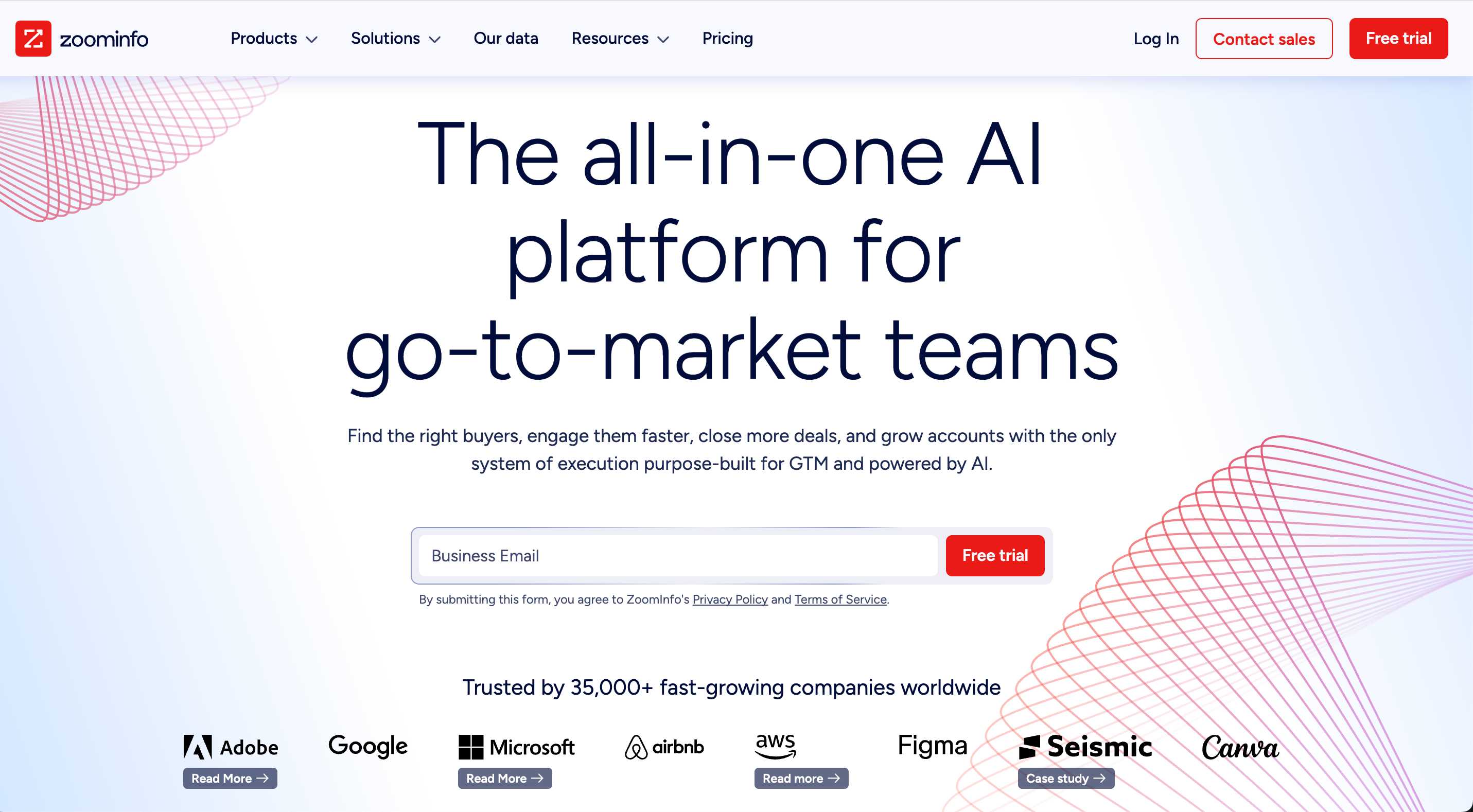
ZoomInfo is an enterprise GTM data platform built around a large proprietary contact database and add-on modules for prospecting, enrichment, and sales workflows. ZoomInfo has publicly stated coverage of 260M+ published professional profiles and 100M+ company profiles, positioning it as a scale-first option for enterprise teams.
Teams often layer ZoomInfo on top of native CRM enrichment as a high-coverage source for accounts and contacts that need deeper data than the CRM's built-in dataset provides. Because of its pricing, most teams route only specific segments into ZoomInfo to control cost while improving fill rates where it matters most.
Key characteristics
Enterprise pricing range: Public pricing isn’t listed, but third-party pricing analyses commonly report high entry points, with deployments rising into higher annual ranges depending on seats and add-ons.
Scale-first coverage: ZoomInfo’s stated database size is one of its main differentiators for broad prospecting and enrichment.
Accuracy is variable by segment: ZoomInfo discusses “Contact Accuracy Scores” rather than a single universal accuracy number. Results vary by geography and field type.
Tool example #2: Cognism
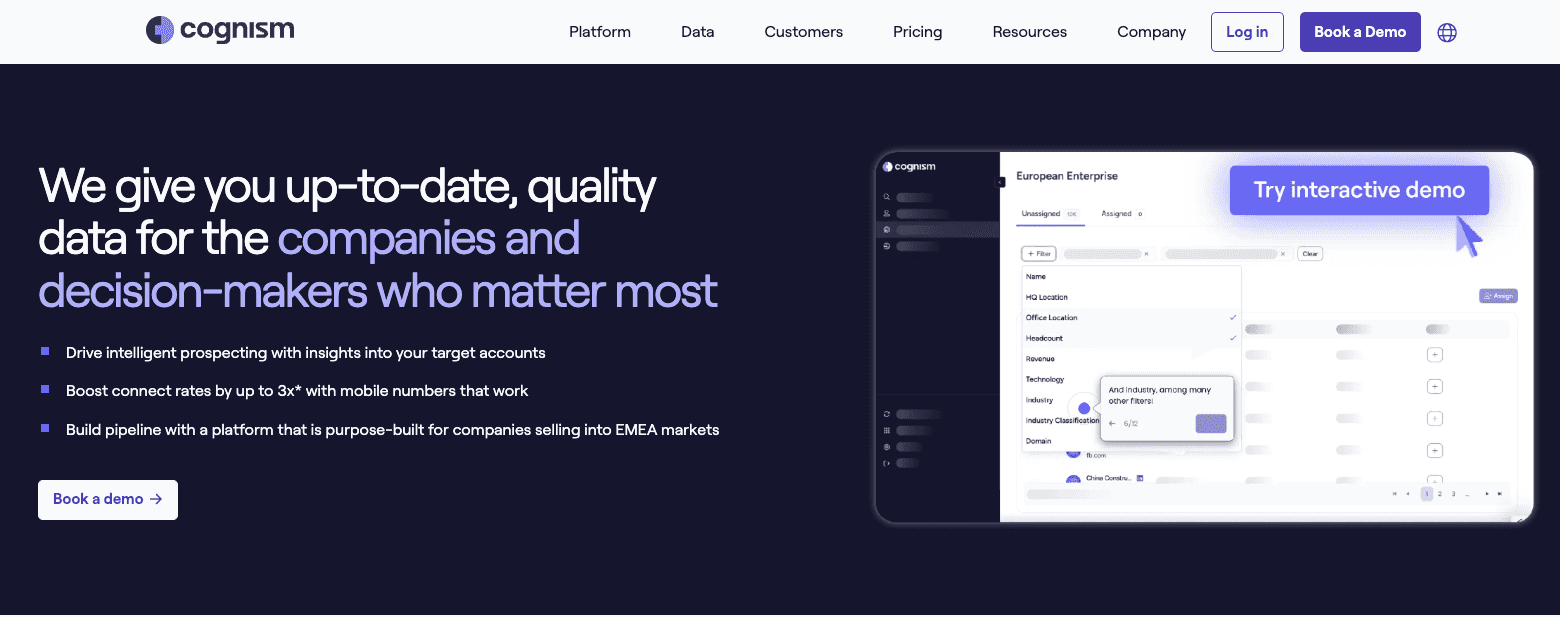
Cognism is a sales intelligence and data platform with a strong EMEA focus and a compliance-forward positioning. Its Diamond Data® feature is built around phone-verified mobile numbers, which Cognism highlights as a key differentiator for teams prioritising live conversations over email-only outreach.
Cognism often complements native enrichment when teams need better coverage in Europe or when compliance requirements shape which datasets can be used. In a layered setup, Cognism becomes the specialised enrichment source for certain regions, personas, or outbound motions, while the CRM's native enrichment still handles baseline fields.
Key characteristics
Compliance positioning: Cognism explicitly markets a GDPR-compliant approach and provides compliance-focused documentation and messaging.
Phone-verified mobile numbers: Diamond Data is positioned as phone-verified mobile coverage, aimed at improving connect rates and reducing wrong numbers.
Budget expectations: Cognism does not publish standard pricing on its pricing page, but third-party breakdowns frequently describe it as a premium, contract-based platform with annual costs that can land in the five-figure range depending on plan and seats.
One evaluation note that matters in real deployments: GDPR and CCPA compliance vary by provider and by dataset. Teams selling into EMEA should weigh compliance posture and regional coverage as heavily as match rates and pricing.
API-first platforms like Crustdata also fit naturally into this layered approach. Since Crustdata offers both bulk datasets for backfills and real-time APIs for ongoing enrichment and monitoring, teams can use it alongside native CRM enrichment to cover both needs from a single provider.
For example, a HubSpot team might use Breeze Intelligence as their native baseline for ~40 standard fields, then add Crustdata's API for records where Breeze falls short, enriching with 90+ data points per person, deeper technographic and signal data, and live change detection via the Watcher API for segments that need continuous freshness.
Choosing an enrichment architecture for your team
Native CRM enrichment trades coverage for zero-effort setup, waterfall enrichment maximises coverage with added configuration overhead, and API-first enrichment prioritises freshness and flexibility but requires engineering resources.
The best choice comes down to where enrichment needs to show up in your stack. If enrichment only has to tidy up one CRM, a native tool or a waterfall workflow can be enough. But if your data must feed multiple systems, update in real time instead of on a fixed schedule, or power automated workflows and AI agents, API-first infrastructure is the option that scales cleanly. Native and waterfall approaches often keep enrichment inside a specific platform or a single workflow. API-first makes enriched data available wherever your team needs it.
For teams with engineering support that want multi-source aggregation, real-time enrichment, and event-driven monitoring from a single API, Crustdata’s Enrichment API is for you. Book a demo to see how it fits your workflow and data requirements.


Products
Popular Use Cases
Competitor Comparisons
95 Third Street, 2nd Floor, San Francisco,
California 94103, United States of America
© 2026 Crustdata Inc.
Products
Popular Use Cases
Competitor Comparisons
95 Third Street, 2nd Floor, San Francisco,
California 94103, United States of America
© 2026 CrustData Inc.
Products
Popular Use Cases
Competitor Comparisons
95 Third Street, 2nd Floor, San Francisco,
California 94103, United States of America
© 2026 Crustdata Inc.
🎉 We hit $10M ARR!
$600k to $10m in 1.5 years. Our entire GTM is powered by our own APIs.
🎉 We hit $10M ARR in 1.5 years!
