3 Ways Your Agents Can Use Crustdata's MCP Connector
Three agentic workflows you can build today: targeted lead lists, personalized account briefs, and iterative campaign targeting, all powered by Crustdata's MCP connector through Merge Agent Handler.
Published
Written by
Nithish
Reviewed by
Chris Pisarski
Read time
7
minutes
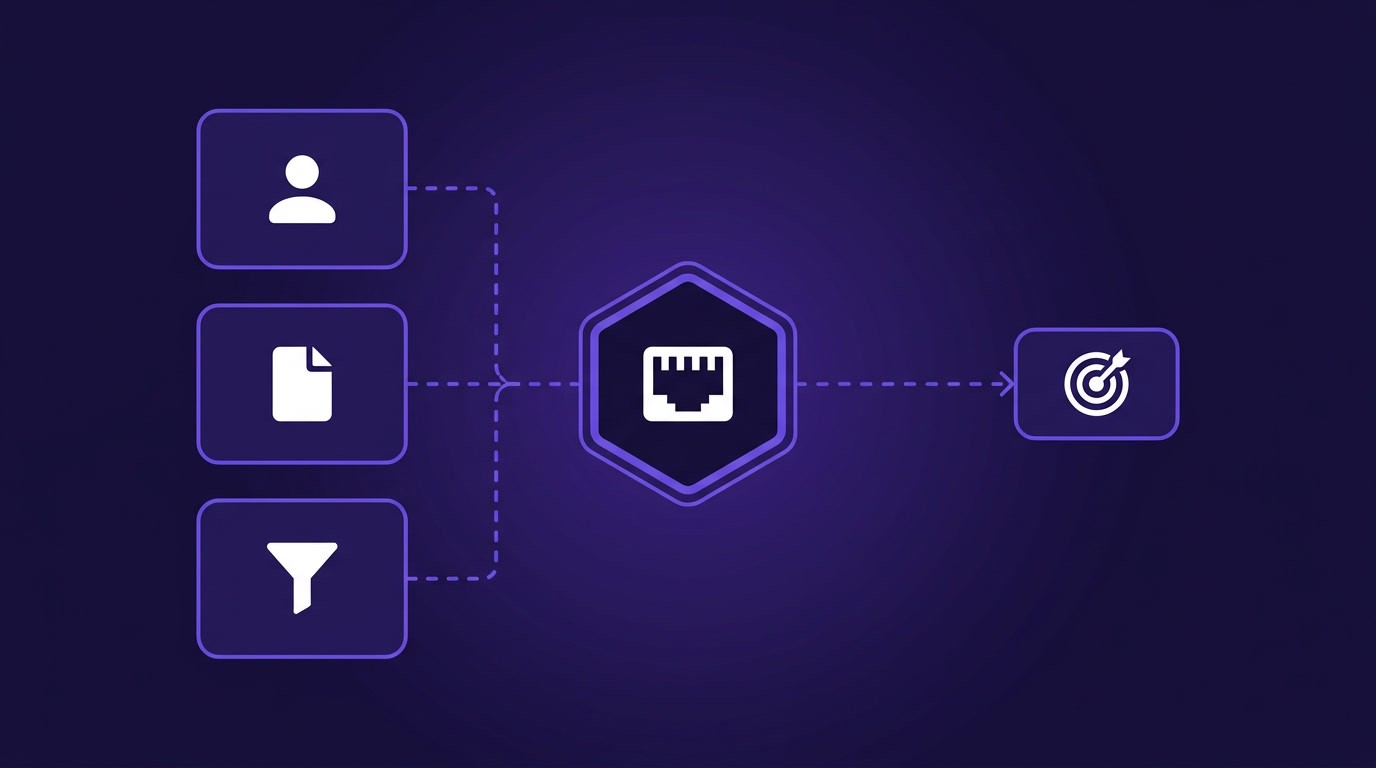
You can build a wide range of internal agents that leverage Merge Agent Handler's Crustdata MCP connector, whether they enrich leads, personalize outbound messaging, build targeted lead lists, and more.
To help you brainstorm your top use cases and get started with any, we've broken down 3 impactful agentic workflows below.
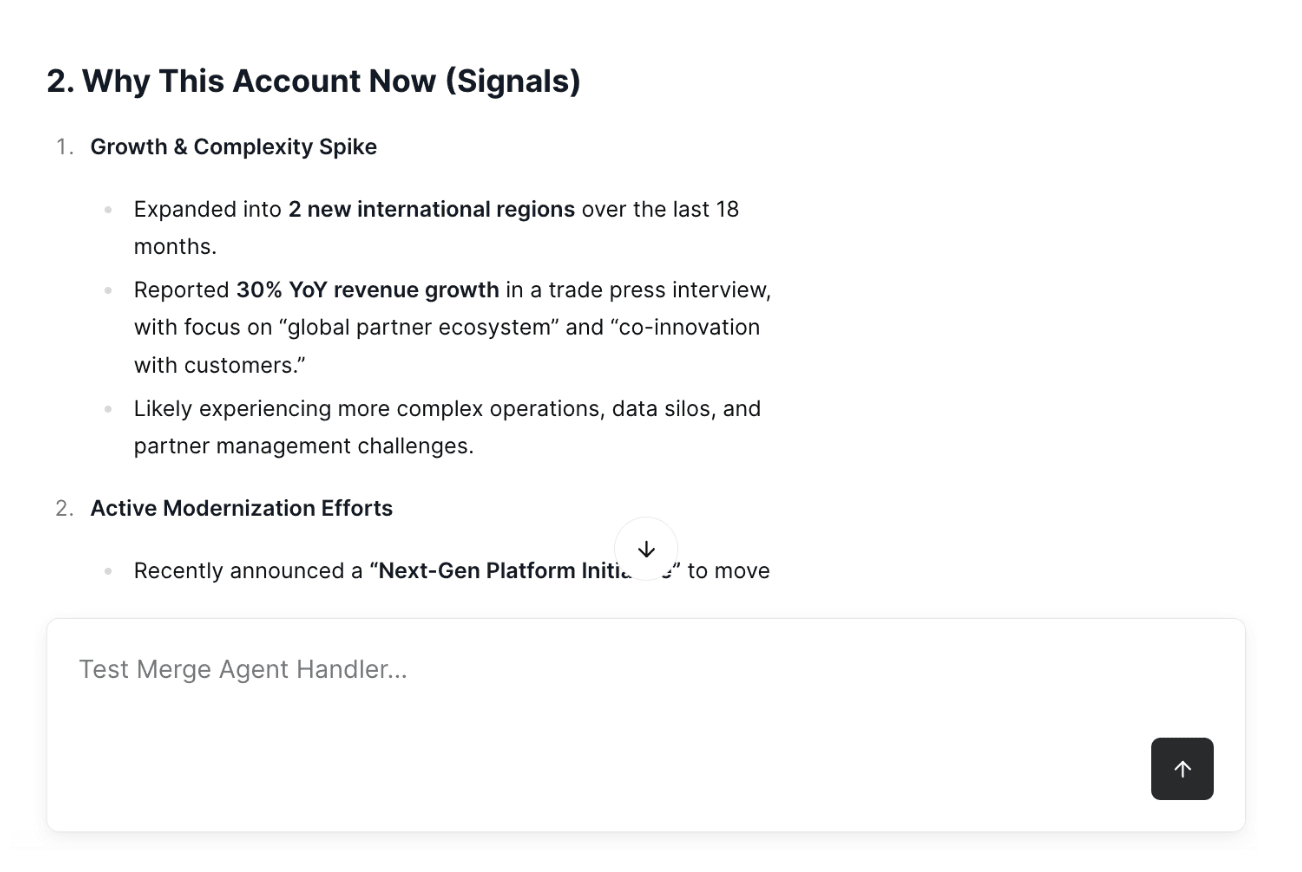
Note: All of the screenshots in this article are taken from Merge Agent Handler's "Playground", which lets you test your tool-calling workflows.
1. Generate targeted lead lists in seconds
Say a sales manager wants to expand their lead list for a certain persona.
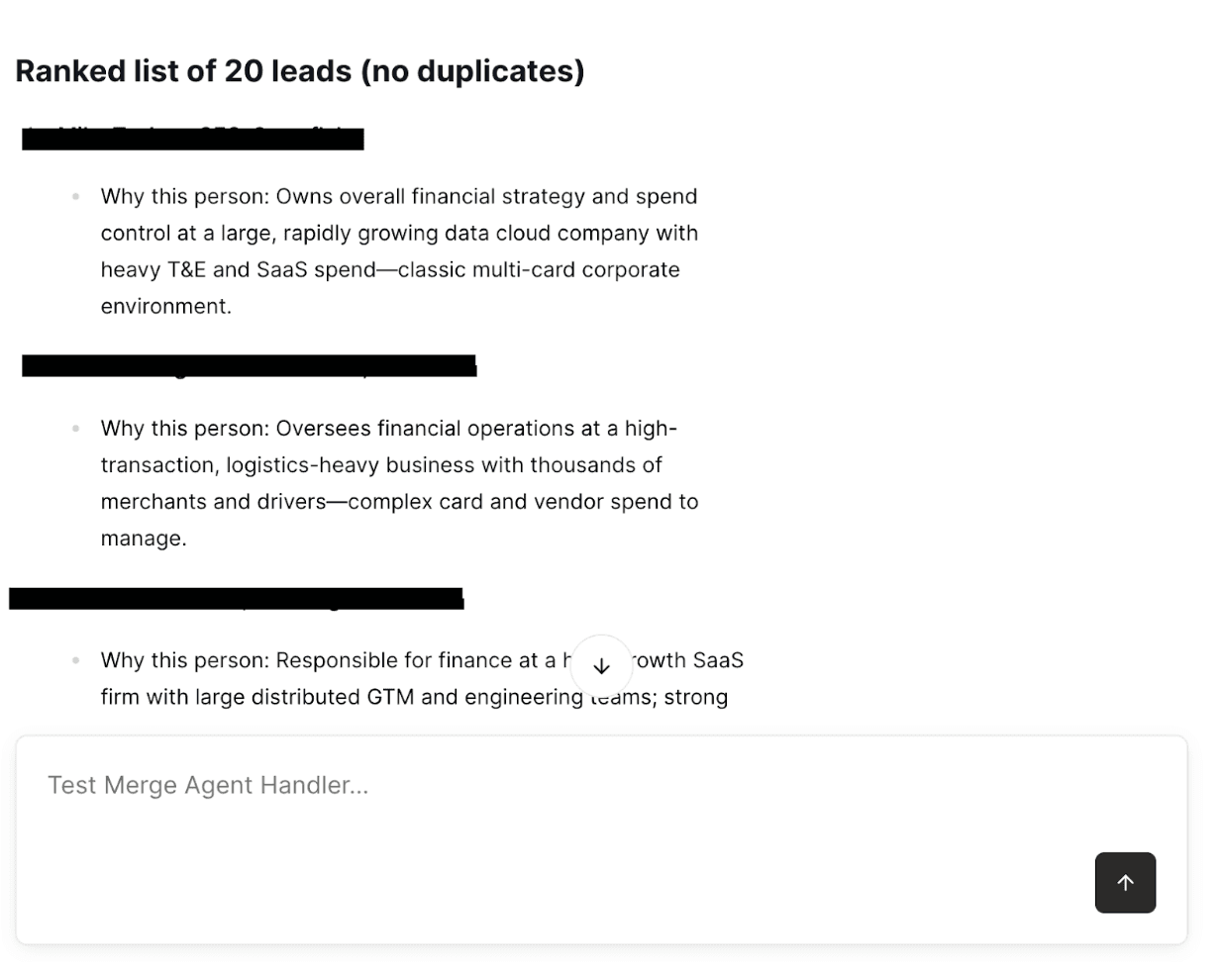
They can do it in seconds with an agent that runs the following tool sequence from a prompt like: "Give me a list of 20 buyers in the corporate card segment."
Run
crustdata.search_companiesto generate an initial target account list based on firmographics and buying signals.Enrich the shortlist with
crustdata.get_companyto validate best matches (domain, HQ, employee range, funding stage, technographic signals).Search with
crustdata.search_peopleacross the shortlisted companies to surface the right personas (function, seniority, title keywords, geo).Validate prospects via
crustdata.get_person/crustdata.person_lookupto confirm key details (current role, location, links, confidence).Pull a fuller roster using
crustdata.get_company_peoplefor a handful of high-priority accounts when you want broader coverage beyond the initial persona search.Return a ranked list of 20 leads, with duplicates removed and a short "why this person" note per lead.
2. Create personalized account research briefs to improve your outbound
Before reps start outbounding accounts, they'll need critical context, like the best individuals to contact, why they need your solution now, what a good talk track looks like, and more.
Your agents can use Crustdata's MCP connector to not only create this brief but also share it via Slack and in your CRM from a simple prompt like: "Create brief for Acme Systems."
Here's how it works:
Identify the account and key personas by using
crustdata.get_companyto confirm the domain and core stats, andcrustdata.search_peopleto find VP-level buyers in the relevant functions.Generate a tight brief by having the agent compose it using only the tool outputs, including sections like "Why this account now" (signals), "Who to contact" (the top 2-3 personas), and "What to say" (2-3 tailored angles).
Publish and distribute the brief by using
docs.create_pageto create an "Account Brief" document,slack.post_messageto share the brief and link in Slack, andcrm.update_accountto attach the notes and tags to the account in your CRM.
3. Build and iterate on lists for a campaign
Campaign targeting is inherently iterative. Your marketing team likely starts with a rough ICP definition, sees the output, adjusts filters, and repeats.
Your agents can be great at handling this loop with the help of Crustdata's connector. More specifically, your agent can explain why results matched, propose tighter/looser criteria, and then rerun with revised parameters.
Here's how it can work:
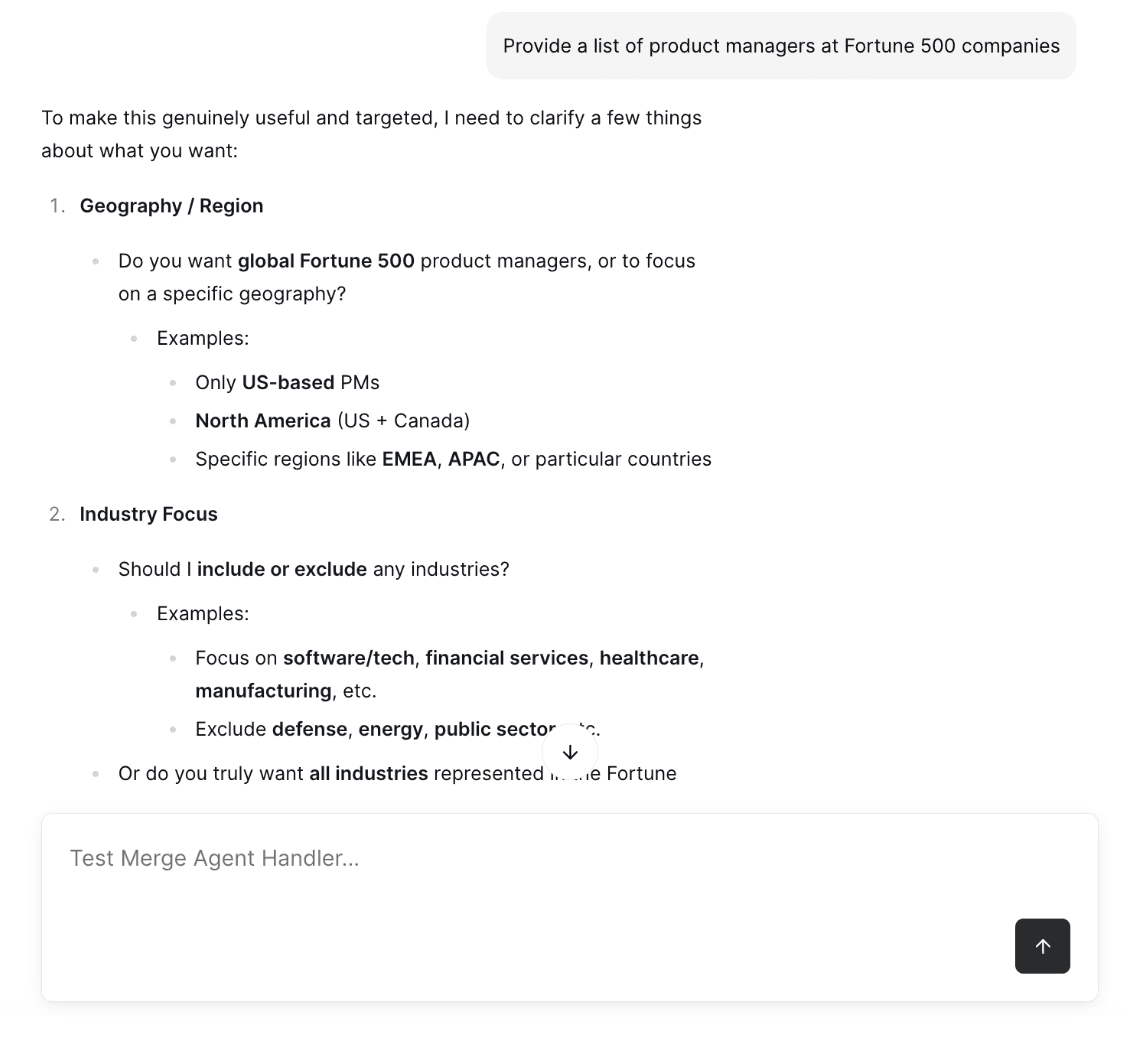
First, draft an ICP query, like a product manager at Fortune 500 companies. If needed, the agent should ask a few quick clarifying questions, such as which geography to target, whether any industries should be excluded, and what the minimum employee count should be.
Next, run the query and evaluate the results. The agent should call crustdata.search_companies and return the first 50 companies, then summarize the distribution across employee-count buckets, the most common industries, and the geographic spread.
Then, refine the query based on what comes back. The agent should propose specific adjustments, such as excluding a NAICS code if too many agencies are appearing, or raising the minimum headcount to 200 to reduce SMB noise, and then re-run the tool call with the updated filters.
Finally, export and activate the results. The agent should output the results as a CSV-like table or push them into downstream tools for activation.
Final thoughts
These agentic use cases are just scratching the surface of what you can build with Crustdata's MCP connector.
You can also use it to keep your CRM clean with automated account enrichment, monitor buying signals across target accounts, route high-intent leads to the right rep in real time, and more.
Start using the Crustdata connector (along with 100+ others) in minutes by signing up for Merge Agent Handler for free!



Products
Popular Use Cases
Competitor Comparisons
95 Third Street, 2nd Floor, San Francisco,
California 94103, United States of America
© 2026 Crustdata Inc.
Products
Popular Use Cases
Competitor Comparisons
95 Third Street, 2nd Floor, San Francisco,
California 94103, United States of America
© 2026 CrustData Inc.
Products
Popular Use Cases
Competitor Comparisons
95 Third Street, 2nd Floor, San Francisco,
California 94103, United States of America
© 2026 Crustdata Inc.
🎉 We hit $10M ARR!
$600k to $10m in 1.5 years. Our entire GTM is powered by our own APIs.
🎉 We hit $10M ARR in 1.5 years!
