How to build a live, self-updating TAM list with an API
A TAM list is the filtered, prioritized database of accounts your sales team works from. Here's how to build one that stays accurate and actionable.
Published
Written by
Chris P.
Reviewed by
Nithish A.
Read time
7
minutes
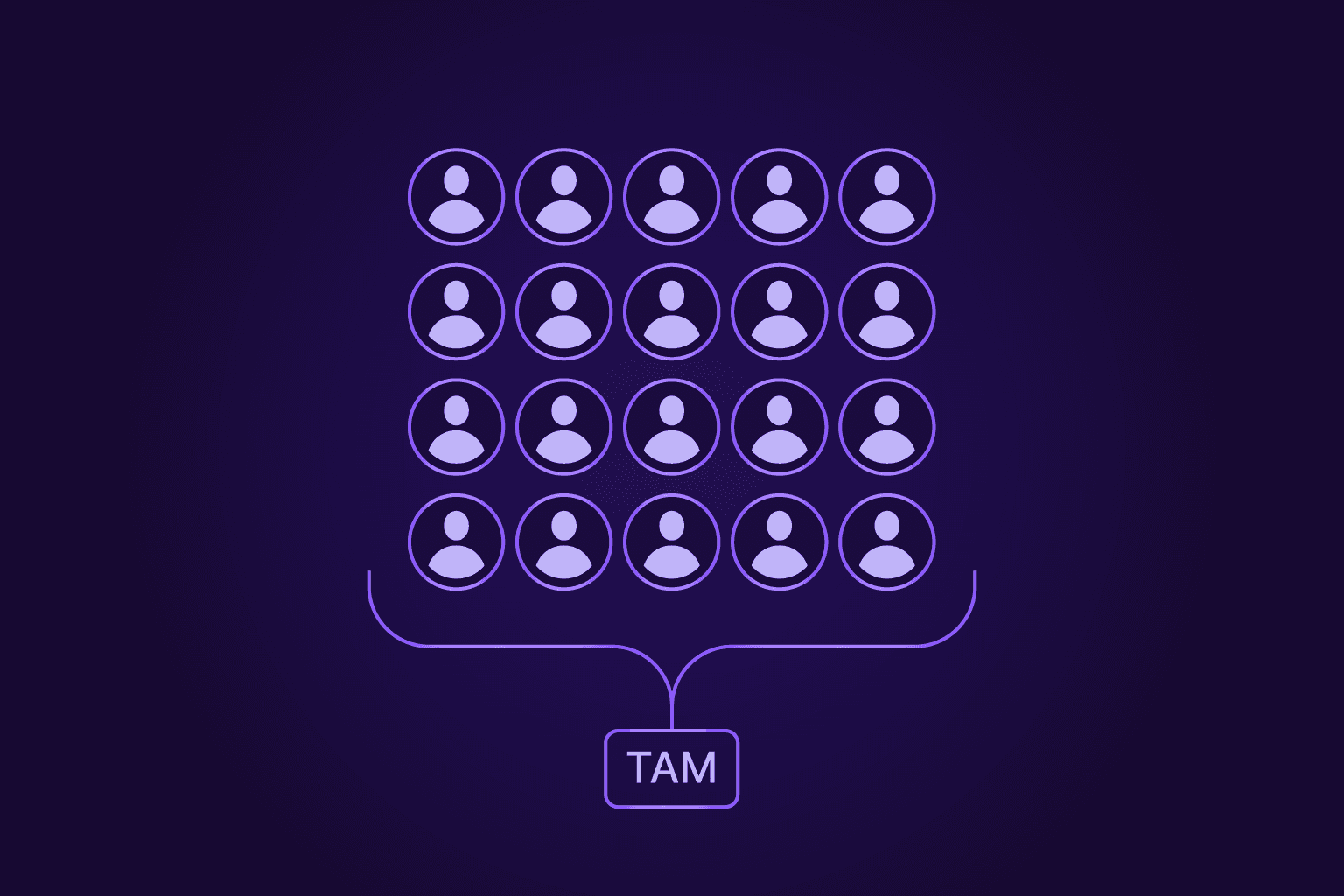
A Total Addressable Market (TAM) list is the filtered, prioritized set of accounts that match your Ideal Customer Profile (ICP). Unlike the TAM revenue figure a founder quotes in a pitch deck, it's a real directory of named companies your sales team actually works through, one tier at a time.
Most people assume the hard part is building the list. It isn't. The hard part is keeping it accurate. Around 22.5% of B2B data decays each year, so a list you export once is quietly wrong within months. People switch jobs, companies merge, and contact details drift out of date.
The fix is to run the list as a live system instead of a static file. You query it and refresh it through a real-time data API, so it stays current without a full rebuild every quarter.
This guide covers what a TAM list is, how to build one in four steps, and how to keep it accurate as your market shifts.
What a TAM list actually is
People use "TAM" in two ways, and mixing them up causes real confusion.
The first is TAM as a number. Total addressable market estimates the revenue you would earn if every possible buyer chose you. It's the headline figure investors like to see, which is helpful for sizing an opportunity, but far too broad to act on.
The second is TAM as a list, and that's the one your team works from. It's the directory of named companies that fit your ideal customer profile and provides the specific accounts reps can open, sequence, and close. One version lives on a slide. The other runs your go-to-market motion every day.
A practical list pulls its weight in three places. It feeds outbound, giving SDRs a defined set of accounts rather than a blank page. It shapes territory planning, so reps divide coverage without overlap or gaps. And it guides marketing segmentation, so campaigns reach the right accounts with the right message.
It also helps to keep three related terms apart:
TAM is the total market, including every account that could ever qualify.
SAM (Serviceable Addressable Market) is the reachable market you can serve today, given product, geography, and compliance.
SOM (Serviceable Obtainable Market) is the realistic share you expect to win in the near term.
Here's how that looks with numbers. A helpdesk software company might see a $15B TAM worldwide. Narrow it to EU small businesses that need multi-channel support, and the SAM drops to roughly $2.1B. The slice they could realistically win in two years, the SOM, might land near $60–90M.
Nail these distinctions, and the build itself gets much easier.
How to build a TAM list step by step
Building a TAM list is less about finding as many companies as possible and more about following a repeatable order. Skip a step, and the list gets messy fast, leading to duplicate records, accounts that don't really fit, and no clear sense of who to contact first.
Keep your TAM list clean in four steps – define your ICP, source the accounts that match it, clean and segment what you pull, then rank everything by fit. Each step feeds the next, and the same sequence works whether you're building your first list or rebuilding one that has gone stale.
Step 1: Define your ICP
Everything starts with the ideal customer profile. Your ICP is the filter every account has to pass to earn a place on the list, so it pays to get it right before you touch any data.
The best way to build it is to look at the customers you already love. Pull your strongest accounts – those that closed quickly, spent well, and have stuck around – and find the traits they share. Those traits usually fall into two groups. Firmographic attributes describe the company itself, such as industry, employee count, revenue band, location, and funding stage. Technographic signals describe the tools and technologies a company uses, such as its CRM, analytics stack, or hosting provider.
The important thing to remember is that every attribute you identify should map to a field you can actually filter on. "Mid-sized companies that are growing" as a descriptor sounds good on paper, but in reality, it is quite vague and cannot be queried. "50–500 employees, hiring in engineering, based in EMEA" can. When each rule ties to a filterable field, your ICP becomes a query you can run again and again, not a checklist someone works through by hand. That's the real link between TAM and ICP. The ICP is the filter, and the TAM list is simply every account that passes through it.
Step 2: Source your account data
With the filter set, you need somewhere to pull matching accounts from. The right source depends heavily on who you're selling to.
For B2B software and enterprise targets, professional databases do most of the work. Providers like ZoomInfo and Apollo hold large stores of company and contact data, though accuracy varies between them. It’s worth checking recent user reviews before you commit, since match rates shape how much of your list is actually usable.
Local and small-business targets are a different story. A chain of dental practices or independent restaurants won't show up neatly in a professional-network database, because those businesses rarely maintain that kind of profile. For them, you're better off with map extractors, business directories, and industry associations that list smaller operators by location and category.
Two rules hold across every market:
No single source is complete, so plan to combine two or three and accept some overlap.
When you merge them, match records on the registrable domain rather than the company name, because names get spelled and abbreviated in too many ways to line up cleanly.
This is where an API-first approach earns its keep. Crustdata's Company Search API lets you filter 60M+ companies on 95+ fields drawn from 10+ sources, so a lot of the combining and matching happens in one query instead of across several exports. Filters reach well past the basics, too, with headcount growth by department, job-listing activity, web traffic, and review signals all becoming part of the same search.
Step 3: Clean, load, and segment
A raw multi-source pull is never ready to use. It arrives with duplicates, blank fields, and records that disagree with each other, so the next job is turning that pile into something orderly.
Start with deduplication. Collapse records on the registrable domain, not the company name or a profile URL, since one company can appear under several name variations and more than one URL. Getting this right early saves you from reps working the same account twice.
Next, resist the urge to dump everything straight into your CRM. A raw import pollutes territory assignments, sequence routing, and reporting, and it's painful to untangle later. Stage the data in a holding layer first, like a pre-CRM space where you can run quality checks, score records, and fix gaps before anything reaches your live system. Only clean, verified accounts should graduate into the CRM.
Then segment what's left so the list is easy to slice:
Group by industry or use case, so messaging can match the buyer.
Group by geography, which drives territory and language.
Group by revenue potential, so effort follows value.
Group by tech stack, which often signals fit and timing.
Enrichment does the filling in. Crustdata's enrichment tops up only the fields that are missing and leaves verified data alone, so you close gaps without writing over details you already trust. That partial-fill behaviour matters more than it sounds because plenty of tools overwrite good records with worse ones, and you don't want a fresh pull downgrading data you spent effort validating.
Step 4: Prioritize with account tiering
By now, you have a clean, segmented list. The last step is deciding what to work on first, because not every account deserves the same effort.
Tiering sorts accounts by fit and by how much attention each one warrants:
Tier 1 accounts are your best matches and get high-touch and one-to-one outreach, with personalised messaging, senior involvement, and real research behind each contact.
Tier 2 accounts still fit but sit a rung lower, so they suit lighter-touch, templated sequences that run at scale.
Some teams add a third tier for one-to-many outreach, where accounts are handled almost entirely through automation. The exact number of tiers matters less than the habit of ranking.
This step is what makes the list usable day-to-day. A full TAM might hold tens of thousands of accounts, but a single SDR can only meaningfully work with around 300 to 800 accounts at a time. Tiering decides the prioritization order of account-based outreach and gives territory planning a sensible starting point, so reps spend their best hours on the accounts most likely to convert rather than working alphabetically or by whoever landed at the top of the export.
Follow these four steps in order, and you end up with more than a spreadsheet of company names. You get a ranked, queryable list your team can act on, and one you can rebuild on demand when the data starts to drift.
Keep your list live, not static
A TAM list is at its best the day you finish it. After that, it starts slipping. Around 22.5% of B2B data decays each year, and in fast-moving sectors, it goes off far quicker. People change jobs every 18 to 24 months, companies merge or rebrand, and contact details stop working. Nobody sends you a notice when it happens, and the record just quietly turns wrong.
That decay costs real money. Every dead account a rep chases burns time they could spend on live ones, and every bounced email chips away at your sender reputation. A list built once and left alone loses value and actively drags on the team using it.
The fix isn't a bigger one-time build. It's treating upkeep as an ongoing habit, built from three moving parts: a fixed refresh schedule, automated enrichment, and signal-based monitoring that watches accounts between refreshes.
Set a refresh cadence
The simplest place to start is a routine, so nothing waits until it's obviously broken.
Refresh firmographic data monthly, since headcount, funding, and location shift steadily rather than all at once.
Review your ICP each quarter, because the traits that defined a good account last year may not hold as your product and market move.
Re-verify older records before they enter a sequence, not after they bounce. Checking upfront protects your deliverability and saves the follow-up cleanup.
A cadence like this keeps the list honest without a full rebuild every few months.
Automate enrichment and deduplication
Doing all of that by hand doesn't scale, so the goal is to move upkeep off manual work. Automated enrichment tops up fields as they age and clears duplicates as new records arrive, so the list stays current in the background instead of waiting for someone to notice a gap.
This is where refresh speed starts to matter. Crustdata enriches in real time, instantly for cached data, and in up to 10 minutes when a live crawl is needed to gather fresh details. That's a different pace from the 30-to-90-day batch cycles common elsewhere, and it means the record a rep opens reflects the account as it is now, not as it was last quarter.
Monitor accounts for buying signals
Refreshing keeps records accurate. Monitoring tells you when something worth acting on happens.
Crustdata's Watcher API pushes alerts the moment a tracked account shows a buying signal, such as a funding round, a hiring surge, or an executive moving into a new role. Instead of waiting for the next scheduled refresh to reveal a change, you hear about it as it lands, and reps can reach out inside the window when the timing actually helps.
Together, these three habits turn a static export into a living feed that stays accurate on its own and flags the accounts worth a call today.
Build a TAM list that updates itself
The shift worth making is small but important: stop thinking of your TAM list as a file you export and start treating it as the system your outbound runs on. Define the ICP, source matching accounts, clean and tier them, then keep the whole thing current, and the list stops being a task you redo every quarter and becomes the layer your sales team relies on daily.
The tidy part is that every step can run programmatically through one real-time data API. Filtering accounts, filling gaps, deduplicating, and watching for buying signals all happen in the same place, so the list maintains itself instead of decaying between manual rebuilds.
Want to see it work on your own accounts? Book a demo with Crustdata and watch your TAM list build and refresh itself.
Common questions about TAM lists
What counts as a good TAM list size?
Size by go-to-market motion and fit, not raw count. A few hundred well-matched accounts will always beat tens of thousands of loose ones, because your team can only work so many at once. As a rough guide, a single SDR can meaningfully cover somewhere around 300 to 800 accounts at a time, so scale the list to the reps you have rather than to the size of the market. If most accounts on the list don't really fit your ICP, the list is too big, no matter how impressive the number looks.
What are the most common TAM list mistakes?
Four slip-ups show up again and again:
Treating the list as a one-time build, then letting it decay instead of maintaining it.
Pouring raw vendor exports straight into the CRM, which pollutes territories and reporting.
Skipping deduplication, so reps end up working the same account twice.
Chasing breadth over fit, padding the list with accounts that will never convert.
What's the difference between TAM, SAM, and SOM?
They describe the same market at three widths. TAM is the total market: every account that could ever qualify. SAM is the reachable market you can actually serve today, once you account for product, geography, and compliance. SOM is the realistic near-term share you expect to win, given your team and competition.


Products
Popular Use Cases
Competitor Comparisons
95 Third Street, 2nd Floor, San Francisco,
California 94103, United States of America
© 2026 Crustdata Inc.
Products
Popular Use Cases
Competitor Comparisons
95 Third Street, 2nd Floor, San Francisco,
California 94103, United States of America
© 2026 CrustData Inc.
Products
Popular Use Cases
Competitor Comparisons
95 Third Street, 2nd Floor, San Francisco,
California 94103, United States of America
© 2026 Crustdata Inc.
🎉 We hit $10M ARR!
$600k to $10m in 1.5 years. Our entire GTM is powered by our own APIs.
🎉 We hit $10M ARR in 1.5 years!