How to Build Internal Sales Tools with Real-Time Company, People, and Signal Data
The architecture, APIs, and webhook patterns for building an internal sales tool on real-time company, people, and signal data, with a working Python walkthrough you can ship in a week.
Published
Written by
Manmohit Grewal
Reviewed by
Abhilash Chowdhary
Read time
17
minutes
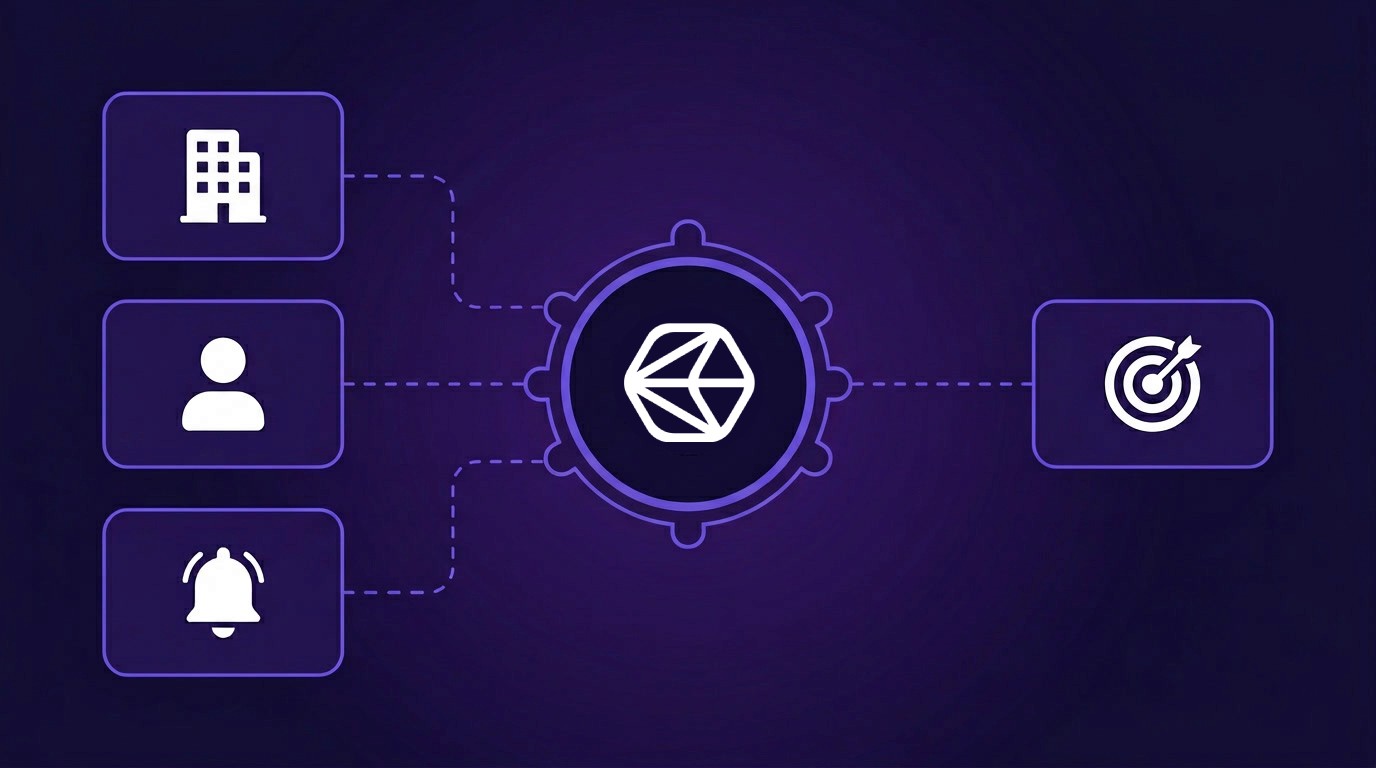
High-growth B2B SaaS teams are building internal sales tools on top of real-time company, people, and signal APIs instead of paying for tools like Clay or ZoomInfo. The trigger pattern repeats across buyer calls: six figures a year on ZoomInfo, enrichment done once at territory draft, and no mechanism to refresh an account when something actually changes. The internal tool is how those teams close the gap between static enrichment and event-driven selling.
This guide is written for the GTM engineer who will build the tool. It covers the three data layers an internal sales tool needs (company, people, signal), the reference architecture that ties them together, and a working code walkthrough.
What is an internal sales tool (and why teams build one)?
An internal sales tool is a custom-built system that pulls real-time company, people, and signal data from APIs, joins it against your ICP and CRM, and routes the result to your reps (or your AI agents) as contextualized alerts and enriched records. It lives in your infrastructure, writes to your CRM, and is maintained by a GTM engineer on your team.
Teams build internal tools for three reasons, all of which show up repeatedly in customer conversations.
1. Vendor enrichment goes out of date fast. A head of RevOps at a B2B SaaS company described it plainly: "We spend six figures a year on ZoomInfo and Apollo and the data is stale within a month of the territory being drafted."
2. Signal timing does not match vendor cadence. Vendor enrichment runs on weekly or monthly refreshes, but the events reps actually move on (a target account raising a round, a champion switching jobs, a competitor hiring a new VP of Sales) happen in real time. A month-old signal is usually a dead signal, because by the time the refresh picks it up every other SDR team has already seen it and the account has been contacted three times. Webhook-based signal delivery shaves that latency to minutes.
3. Vendor workflows do not match every sales motion. Apollo's sequence-first model works for high-velocity inbound motions but not for research-heavy enterprise sales. A GTM lead at a Series B fintech put it this way: "Apollo is the old way of doing stuff. They have a set way of working and we want to build our own way."
Public GTM engineer job postings across high-growth SaaS in 2026 describe a consistent stack, with n8n for orchestration, Snowflake and dbt for warehousing, company and people APIs for data sourcing, and Salesforce or HubSpot for CRM write-back. The role has shifted from "operate Clay" to "build the data layer your reps and agents run on."
If this is the shape of what your team is trying to build, here is the stack behind it, laid out layer by layer against the APIs that power each one.
The three data layers every internal sales tool needs
An internal sales tool answers three linked questions inside one pipeline, covering which accounts to work on, who to reach inside them, and when to act, and each question maps to a distinct data layer. Split those questions across separate tools and you get the orphaned-alert problem, where you end up with a list of enriched companies that has no signal attached or a Slack channel of signals that arrives without context.
Company data is the firmographic spine, covering size, industry, geography, revenue, funding, headcount growth, and web presence. It answers "does this account match my ICP?" Crustdata's Company Search covers 95+ filters, and Company Enrichment returns 250+ datapoints per company from 15+ sources. This is what makes territory definition and account scoring possible.
People data is the contact graph, covering titles, functions, seniority, tenure, skills, prior employers, and verified business emails. It answers "who is the right person to reach?" Crustdata's People Search covers 1B+ profiles with 60+ filters including recent job changes, and People Enrichment returns 90+ datapoints per profile. This is what makes buyer-committee mapping work.
Signal data is the event stream, including job changes, funding rounds, hiring spikes, leadership moves, social posts, and press mentions. It answers "when should I act?" Signals without company and people context are noise, because a job-change webhook with no CRM lookup is just a naked URL. Resolve that webhook against a closed-lost account, attach the new hire's role and verified email, and it becomes a priority alert.
Compound events are where the combined layers pay off. A Series C funding announcement lands on a company already in your ICP, the new VP of Sales is identified inside 24 hours, and a verified email is attached before the rep even opens the alert. Single-signal alerts and cold outreach cannot give a rep that much context up front. Stacked signals are flagged as a reliable path to pipeline across GTM engineering writeups, including Common Room and UserGems.
Here is how the three layers combine into one pipeline:
An engineering lead at a developer-tools company described the same composable pattern: "Recently, we've just been using a lot more homegrown Claude Code tools. Our sales ops person writes better prompts than SQL. We need an API, not a dashboard." The API-first model is what keeps the layers customizable as your rules evolve.
Build vs buy: going direct or paying a middleman
Workflow tools like Clay and Apollo are wrappers over the same underlying data providers a direct build would use. They add a no-code UI, hosted infrastructure, and fast time-to-first-value. They also add a markup on every action, constrain you to vendor primitives, and keep enriched data inside their systems rather than your warehouse.
Per-enrichment credit rates are the wrong anchor for the build-vs-buy decision. Platforms like Clay negotiate wholesale data contracts and can pass through individual enrichments at lower per-credit rates than self-serve plans on the underlying providers. What matters over a year is the per-action subscription, the AI step markup, the vendor constraints your workflow has to fit inside, and the fact that your enriched data lives in someone else's tables rather than your own warehouse.
Dimension | Clay / Apollo | Internal build with direct APIs |
|---|---|---|
Time to first workflow | Hours | 2–6 weeks |
Workflow flexibility | Vendor primitives only | Any pipeline you can code |
Data ownership | Cached in vendor DB | In your warehouse |
Data provider | Locked to vendor's stack | Swap or stack providers freely |
LLM steps | Vendor-wrapped models | Your own OpenAI or Anthropic key |
Custom scoring | AI columns + formulas | Any logic you can write |
The model markup on AI steps is the most concrete lever. Clay's own pricing page notes that AI runs execute 2x faster using Clay's built-in keys compared to bring-your-own-key (Clay pricing), which makes Clay's keys the default path for users who don't deliberately switch. Any AI step that isn't BYOK is billed at Clay's rate rather than the underlying model provider's raw rate, and on AI-heavy scoring workflows that gap compounds.
Enriched records in Clay live in Clay's tables, so migration off the platform means re-enrichment or export into a warehouse that never had structured access to them. A direct API call writes into your Snowflake or Postgres instance on the first run, stays there on any platform change, and can be joined against CRM, product, and billing data without a reverse-ETL connector.
Build when you need custom scoring logic, want enriched data in your own warehouse, or your motion mixes signal sources vendor workflows cannot express. Buy when you need a working sequence within a week and your motion already fits the vendor's primitives.
Reference architecture for an internal sales tool
The architecture runs in five stages (detect, resolve, enrich, score, and act) and each stage maps to specific APIs, storage, and orchestration choices. Stage boundaries need to stay clean in code. Once they blur, you get polling loops that burn credits or webhook handlers that fire without context.
Stage 1: Detect (signal ingestion)
Signals come in two patterns, push (webhooks) and pull (scheduled queries).
Use push for anything event-driven, including job changes, funding rounds, new hires, headcount spikes, and social posts mentioning your category. Crustdata's Watcher API delivers these as signed webhook POSTs, which you receive into a lightweight handler (AWS Lambda, GCP Cloud Run, or an n8n webhook node).
Use pull for ICP-refresh jobs and anything bounded to a scheduled cadence. Company Search runs on a cron. A nightly query that finds Series B+ companies matching your ICP is a pull job.
Reliability requirements at this stage:
HMAC signature verification on every webhook (reject unverified payloads with 401)
Idempotency keys so replays do not double-fire alerts
Dead-letter queue (SQS or equivalent) for handler failures
Exponential backoff with jitter on downstream enrichment calls
Stage 2: Resolve (account and person matching)
A raw signal is usually a LinkedIn URL or a company name, which means nothing to your CRM. The resolve stage turns fuzzy input into a canonical record.
For companies, Crustdata's Company Identification API is free (no credits consumed) and returns a canonical company_id for name, domain, LinkedIn URL, or Crunchbase URL. Use it before any paid enrichment call. Check whether the resolved company exists in your Salesforce or HubSpot via the CRM's search API, because a meaningful share of inbound signals will resolve to accounts that are already open opportunities, closed-won, or on a do-not-contact list, and filtering those out at the resolve stage is far cheaper than enriching everything that shows up.
For people, People Enrichment accepts a LinkedIn URL and returns a structured profile. If the person is already in your CRM by email, match on email first and skip the enrichment call.
Stage 3: Enrich (add context)
Enrich only what passes through stage 2. For each qualifying account, request only the fields your scoring rules need:
Headcount, growth rate, funding, tech stack, hiring (from Company Enrichment)
Current role, tenure, prior employers, seniority (from People Enrichment)
Recent social posts or press mentions (from social posts and web search endpoints)
For storage, write enrichment output into your warehouse (Snowflake or Postgres) as the source of truth, then sync only the specific fields your reps need into CRM custom properties via the HubSpot or Salesforce APIs. CRMs are not built for 250 properties per company record, so depth lives in the warehouse and only rep-facing fields flow through to CRM.
Stage 4: Score (rule or LLM)
Two scoring patterns work in production. Rule-based scoring is cheaper and more interpretable. It fires a high score when the company is in ICP, the signal is "VP Sales new hire", and the company has closed-lost history. LLM-based scoring is more flexible because the model can grade against a rubric and your ICP definition rather than rigid rules, and it returns a 0-100 score with reasoning when you pass the enriched payload to an OpenAI or Anthropic model. Production pipelines often combine both. Rules handle the cheap first pass, and LLM reasoning runs only on edge cases.
Cost control at this stage comes from key ownership. Running LLM calls against your own OpenAI or Anthropic key bypasses the markup vendor platforms charge on their built-in AI steps.
Stage 5: Act (CRM write-back and routing)
The final stage writes the scored record back to your system of record and routes it to a human or an agent. Three integration points:
Update CRM properties (
signal_priority_score,signal_trigger,last_signal_fired)Create a Slack alert in the account owner's DM with linked context
Add the account to an AI agent's working queue when one is running
The platform you pick for orchestration is an important choice, and three options each carry tradeoffs worth understanding:
Build surface | When to use | Tradeoff |
|---|---|---|
Claude Code + MCP | Interactive development, ad-hoc pulls, rapid iteration against real data | Claude Code is meant for interactive development, not for running live traffic, so use it to build the pipeline but not to serve it |
n8n (self-hosted) | Scheduled flows, webhook handlers, low-code logic your non-engineer teammates can edit | Self-hosting carries ops overhead, and reliability depends on your infrastructure |
AWS Lambda / GCP Cloud Functions | Production event handlers with SLA requirements | Higher engineering cost, worth it for revenue-critical flows |
A pragmatic pattern is to prototype in Claude Code with Crustdata's MCP server, ship the happy-path flow in n8n, then promote the signal-to-CRM handler to Lambda once volume and latency justify the effort. The MCP + Claude Code combination makes the data layer queryable by a non-engineer, which matches what the engineering lead quoted above described needing. The Lambda handler makes it reliable once you productionize.
How to build it: the end-to-end flow
The minimum viable pipeline runs end-to-end in under 200 lines of Python. The example below shows the core signal-triggered path, where a Watcher webhook fires on a job change, Crustdata enriches the new role and employer, a scoring function checks ICP fit, and the result writes to HubSpot as a priority alert.
That is the complete round-trip, from a verified Watcher webhook through enrichment and scoring to a priority alert written back to HubSpot for the rep to act on. Before this shape hardens into production code, the hard parts to work through are waterfall enrichment across multiple vendors when one source is thin, dedup and rate limiting to avoid duplicate writes and 429s on CRM APIs, ICP scoring that handles the cases rule logic misses, multi-signal stacking when you want two triggers on the same account before alerting, and CRM field governance so custom properties do not bloat over time.
What to ship first: the 1-week MVP
The MVP ships in a week if you scope it tight. Pick one signal type, one ICP filter, and one CRM sync point. Everything else is scope creep until you have real reps using v1.
A concrete MVP scope:
Signal: Job changes where the person moves into a VP Sales, Head of Sales, CRO, or Chief Revenue Officer role at a company your team has worked as closed-lost in the last 18 months
ICP filter: Company headcount 200-5,000, B2B SaaS or Fintech industry, USA-headquartered
Enrichment fields: Headcount, funding, tech stack, verified business email for the new hire
Scoring: Rule-based only (LLM scoring is v2). Score high if the new hire came from a current customer logo
Routing: Slack DM to the original account owner with a one-screen account brief and a "Reach out now" button that creates a HubSpot task
A head of sales described the before-state: "It takes you 15 minutes to click through each individual person's profile on social. I need our reps doing that in 30 seconds from inside Salesforce." The MVP gets reps there for one trigger, and iteration on v1 earns the budget for every trigger after it.
Build it once, prove it on twenty signals, and earn the budget for the next phase. Teams that ship a full pipeline before testing with reps often end up with software that sits unused because it was shaped around assumptions the reps did not share.
How does this compare to Clay?
Clay is faster to get running and easier for a non-engineer to use, which fits teams whose sales motion aligns with the vendor's workflow primitives and who need a working sequence live within a week. An internal build pays off for teams that need custom scoring logic, want enriched data in their own warehouse, or have a motion that mixes signal sources.
If you have read this far, the next step is to scope the MVP (one signal, one ICP filter, one CRM sync), get a Crustdata API key, and wire the pipeline in your preferred orchestration platform. Most of the value sits in Stage 5 (act), because the signal only produces pipeline once it lands in a rep's DM or an agent's queue, and everything upstream exists to serve that last mile.



Products
Popular Use Cases
Competitor Comparisons
95 Third Street, 2nd Floor, San Francisco,
California 94103, United States of America
© 2026 Crustdata Inc.
Products
Popular Use Cases
Competitor Comparisons
95 Third Street, 2nd Floor, San Francisco,
California 94103, United States of America
© 2026 Crustdata Inc.
Products
Popular Use Cases
Competitor Comparisons
95 Third Street, 2nd Floor, San Francisco,
California 94103, United States of America
© 2026 CrustData Inc.
🎉 We hit $10M ARR!
$600k to $10m in 1.5 years. Our entire GTM is powered by our own APIs.
🎉 We hit $10M ARR in 1.5 years!
