People Search API Guide with Implementation Examples
Learn the critical difference between real-time and cached people search APIs, Python examples, provider comparison, and webhook setup for AI agents.
Published
Written by
Nithish A.
Reviewed by
Manmohit G.
Read time
7
minutes

A people search API is an external B2B data API that provides programmatic access to professional profiles outside your organization. Crustdata's People Search API is one example. It searches 1B+ profiles and pulls results live from the web at the moment of the request, so a search returns people who match right now, not a copy from the last refresh.
Don't confuse this with internal directory tools or consumer public records. If you are building a recruiting platform, an AI sales agent, or an investment tool, you need external B2B data to find and enrich prospects programmatically.
People Search APIs replace manual, time-consuming lookups with structured, queryable access, retrieving data via filters such as name, title, company, or location.
In this guide, we will cover the concepts of people search API, data provider comparisons, some code-level implementations, and how to navigate cost models so you can build infrastructure that actually works.
What is a people search API?
A people search API is a tool that allows software to "ask" a massive external database for a list of professionals who match specific criteria. Instead of a human recruiter manually filtering through social media or a sales rep clicking through a directory, your application sends a request like "Find me all Product Managers in Seattle with 5+ years of experience" and receives a structured list of profiles in return.
You can send requests to two types of APIs:
Cached APIs: Serve pre-indexed profiles instantly. This is great for speed, but the data is often weeks or months old.
Real-time APIs: Pull fresh data on-demand with 30-60 second latency. This is essential for AI agents that must act instantly on signals, such as job changes, when they occur.
The returned data is typically formatted as a JSON file, making it easy for developers to add it directly into other applications, CRMs, or AI models.
It’s important to distinguish Search from Enrichment, as these terms are often used interchangeably but mean different things technically:
Enrichment is when you already know who you are looking for (e.g., you have a social profile URL or an email), and you want more details about them.
Search is for discovery. The individuals are not yet listed in the database; you only know the persona or criteria you are targeting.
Common use cases: why builders use these APIs
While the underlying technology is similar across providers, the applications vary wildly depending on the business goal. People search API is commonly used for:
Recruiting and talent sourcing
Recruiters use these APIs to automate the sourcing of passive candidates, i.e., people who are not actively applying for jobs but are perfect matches. They filter for specific skills, past employers, or education history on talent platforms to engage with candidates the moment they enter the market. Advanced implementations use the Watcher API to monitor real-time signals and spot when a candidate becomes "open to work" or updates their resume.
Sales prospecting and lead generation
Instead of manually building lead lists, engineering teams are building AI SDRs (Sales Development Representatives). These agents use people-search APIs to identify prospects, along with their firmographic details and any other data points they deem necessary, and automatically generate personalized outreach messages.
Investment and market research
Venture capital and private equity firms use these APIs to identify potential founders who fit their investment portfolios. For example, an investor might monitor when executives leave a major tech company to start a new venture, using that signal to reach out to potential founders before they even announce their startup.
Marketing automation
Marketing operations teams use enrichment APIs to build lists of people with similar characteristics and personalize campaign messaging accordingly. For instance, a salesmarketing team would hit the API with a target persona and find out exactly who to talk to and what to say to them based on their specific career history, skills, and current role, making the outreach campaign much more effective than a generic outreach.
When you make a successful request, the API returns a rich profile object. While coverage varies by provider, a standard response typically includes:
Identity and contact info: This includes full names, standardized locations, personal or business email addresses, and, in some cases, phone numbers.
Professional history: A timeline of current and past roles, including job titles, company names, start and end dates, and job descriptions.
Education: Details on universities attended, degrees earned, fields of study, and graduation years.
Social & engagement signals: This includes recent posts, article shares, and engagement metrics, which are critical for writing personalized messages that don't sound like spam.
What people search APIs are not
Because "people search" is such a broad term, it is easy to confuse B2B data APIs with other tools that sound similar but serve completely different purposes.
NOT for Identity Verification (KYC)
B2B people search APIs are designed for marketing and recruiting, not for legal identity verification or fraud prevention. They aggregate publicly available professional data, distinct from official government records required for Know Your Customer (KYC) checks. If you need to validate a Social Security Number, check criminal records, or confirm a legal address for a bank loan, you need a dedicated background check provider, not a B2B search API.
NOT the same as Google's People API
Developers often stumble upon the Google People API and assume it is a global database of professionals. It is not. The Google People API is an internal tool that allows your application to access a user's own contacts and address book (with their permission). It helps you sync your contacts across devices; it does not help you find a VP of Engineering at a competitor.
NOT an all-in-one sales platform
Finally, it is important to remember that an API is a raw data pipe. Unlike platforms like ZoomInfo or Apollo, which provide a user interface with dialers, email sequencers, and analytics, a people search API simply returns JSON data. You are responsible for building the logic that uses that data, whether that is a scoring algorithm, a notification system, or an AI outreach bot.
How people search APIs work in practice
Theory is helpful, but you are here to build. The following code snippets show you how to structure queries using the Crustdata realtime People Search API.
Finding people at a target company
The simplest and most frequent use case is finding employees at a specific account. Instead of manually browsing social profiles or company directories, you can query by the company’s domain to get a structured list of current employees.
This is particularly useful for mapping out an organization before a sales call or identifying potential hiring candidates from a competitor.
Here is how you structure the request using:
curl 'https://api.crustdata.com/screener/person/search/' \
--header 'Content-Type: application/json' \
--header 'Accept: application/json, text/plain, */*' \
--header 'Authorization: Token $token' \
--data '{"filters":[
{
"filter_type": "CURRENT_COMPANY",
"type": "in",
"value": ["serverobotics.com"]
}
],
"limit": 200
}'
This request returns all indexed profiles currently employed at the target domain (in this case, Retool). You can then iterate through the pages to retrieve the full list or add more specific filters to narrow down your results.
Filtering by title and location
Sales and recruiting teams usually need specific roles in specific markets, for example, Product Managers in the San Francisco Bay Area.
To achieve this, you can stack filters. The API uses "AND" logic by default, meaning a profile must match all the provided criteria to appear in the results.
curl 'https://api.crustdata.com/screener/person/search/' \
--header 'Authorization: Token $token' \
--header 'Content-Type: application/json' \
--data '{
"filters": [
{
"filter_type": "CURRENT_TITLE",
"type": "in",
"value": ["Co-Founder"]
},
{
"filter_type": "REGION",
"type": "in",
"value": ["San Francisco Bay Area"]
}
],
"page": 1
}`
There are two important technical details to remember here:
Case sensitivity: The
inoperator checks for exact matches. If you are unsure of the exact formatting (e.g., "San Francisco" vs. "San Francisco Bay Area"), it is best to check the autocomplete endpoint first.Filter combinations: You can combine up to 25+ criteria, such as education history or past companies, to build highly specific target lists.
Targeting decision-makers by seniority and function
Enterprise sales teams rarely target "everyone" at a company. They need budget holders and decision makers. This example demonstrates how to bypass gatekeepers by finding Director-level and above employees, specifically within the Sales function at a target account.
curl 'https://api.crustdata.com/screener/person/search/' \
--header 'Authorization: Token $token' \
--data '
{"filters":[
{
"filter_type": "CURRENT_COMPANY",
"type": "in",
"value": ["rippling.com"]
},
{
"filter_type": "FUNCTION",
"type": "in",
"value": ["Sales"]
},
{
"filter_type": "SENIORITY_LEVEL",
"type": "in",
"value": ["Vice President", "Director"]
}
],
"page": 1
}'
Pro tip: The CURRENT_COMPANY filter is highly flexible. It accepts domain names (rippling.com), company names (Rippling), or social profile URLs. The seniority and function filters use standardized enumerations (like "CXO" or "Sales"), which ensures you don't miss a "Vice President" just because you searched for "VP".
Identifying people who recently changed jobs
Job changes are one of the strongest buying signals in B2B sales. A decision-maker who just moved into a new role is actively evaluating their tech stack, building new processes, and, most importantly, has access to a fresh budget.
The RECENTLY_CHANGED_JOBS filter captures this moment. It is a Boolean operator that identifies profiles who have started a new position within the last 90 days.
curl 'https://api.crustdata.com/screener/person/search/' \
--header 'Content-Type: application/json' \
--header 'Accept: application/json, text/plain, */*' \
--header 'Authorization: Token $token' \
--data '{"filters":[
{
"filter_type": "CURRENT_COMPANY",
"type": "in",
"value": ["serverobotics.com"]
},
{
"filter_type": "RECENTLY_CHANGED_JOBS"
}
]
}'
You can combine this with seniority and industry filters to change a generic search into a high-intent lead list.
More detailed data: the in-DB person search
For teams that need more filters and precise data, Crustdata offers a specialized in-DB Person Search. This endpoint allows you to control search queries with greater granularity and retrieve in-depth information about people who have recently changed jobs. However, note that this data is refreshed every 30 days.
Here is how you structure that request:
curl 'https://api.crustdata.com/screener/persondb/search/' \
-H "Authorization: Token $auth_token" \
-H 'Content-Type: application/json' \
--data-raw '{
"filters": {
"op": "and",
"conditions": [
{
"column": "current_employers.start_date",
"type": "=>",
"value": "2023-01-01"
},
{
"column": "current_employers.company_type",
"type": "=",
"value": "Public Company"
},
{
"column": "years_of_experience_raw",
"type": "=<",
"value": 15
}
]
},
"limit": 50
}' \
Excluding profiles from results
Crustdata's People Search API takes a post_processing parameter that suppresses profiles or names you have already pulled, so repeat searches return only new people. This allows you to suppress specific profiles or names from your results, ensuring your data pipeline remains efficient and your outreach stays respectful.
Here is how you implement exclusion logic in your request:
curl 'https://api.crustdata.com/screener/persondb/search' \
-H "Authorization: Token $auth_token" \
-H 'Content-Type: application/json' \
--data-raw '{
"filters": {
"column": "current_employers.seniority_level",
"type": "in",
"value": ["CXO", "Vice President", "Director"]
},
"limit": 100,
"post_processing": {
"exclude_profiles": [
"person_01HF8X4M5K9Q3T7ZB2",
"person_01HG2Y6N8L4R5V9WC3"
],
"exclude_names": [
"Test User",
"Demo Account"
]
}
}' \
This feature is built for scale; you can exclude up to 50,000 profile URLs in a single request.
For ongoing campaigns, the best practice is to maintain a "suppression list" of IDs in your own CRM or database. When your application generates a new search query, it should pull this list and pass it into the exclude_profiles field. This handles the server-side filtering, saving you from having to pay for or process duplicate records locally.
Choosing your people search API provider
People search APIs are not interchangeable tools. Each provider builds their product around different priorities, and the best choice depends entirely on what you are trying to build. Some optimize for sheer database size, others for the depth of data points, and others for how current that data is.
Before you evaluate specific vendors, you need to get clear on your actual requirements:
Do you need to enrich a massive dataset of 100,000 records overnight, or do you need real-time lookups for individual profiles as they engage with your app?
Is data freshness critical to your workflow, or is data that is weeks old good enough?
Are you building an automated system that needs to act on instant signals, or are you powering a manual research tool?
The "freshness" factor: real-time vs. monthly updates
Most providers describe their data as "real-time" or "fresh," but the underlying mechanics vary significantly. This usually boils down to the difference between monthly database refreshes and live crawling at query time.
For many B2B data API use cases, this difference determines success or failure. Job changes are the perfect example. When a decision-maker moves into a new role, they are often evaluating new tools and controlling a fresh budget. If your data updates monthly, you might be reaching out weeks after a competitor who knew about the change immediately.
Real-time architecture often yields better coverage. If 80 people fit your niche criteria last month, but five more qualified candidates appeared this week, a cached database will still only show you 80 results. A real-time provider captures those new matches instantly, giving you a wider pool of prospects.
Crustdata
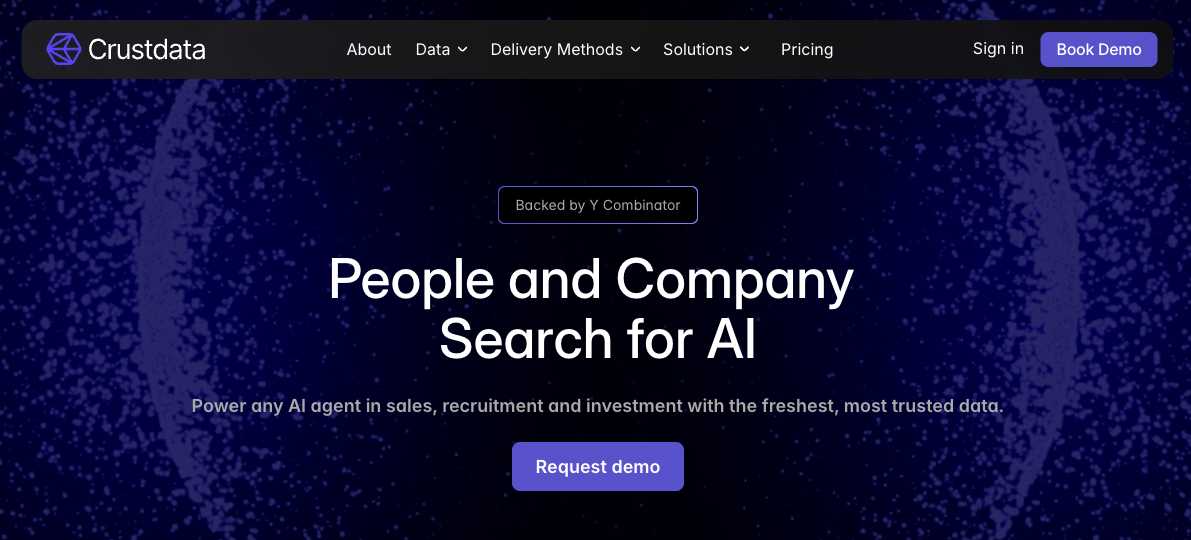
Crustdata was built specifically to close this freshness gap. Rather than maintaining a static database that waits for a monthly refresh cycle, it operates as a live indexer. When you search for profiles, the API crawls and fetches information across multiple sources in real-time. This means it can find matches for unique filter combinations that no one has searched for before. Critical signals like job changes, new titles, and profile updates appear in your results within hours, not weeks.
Other major providers
Crustdata focuses on real-time acquisition, but there are other players that dominate different parts of the market:
People Data Labs
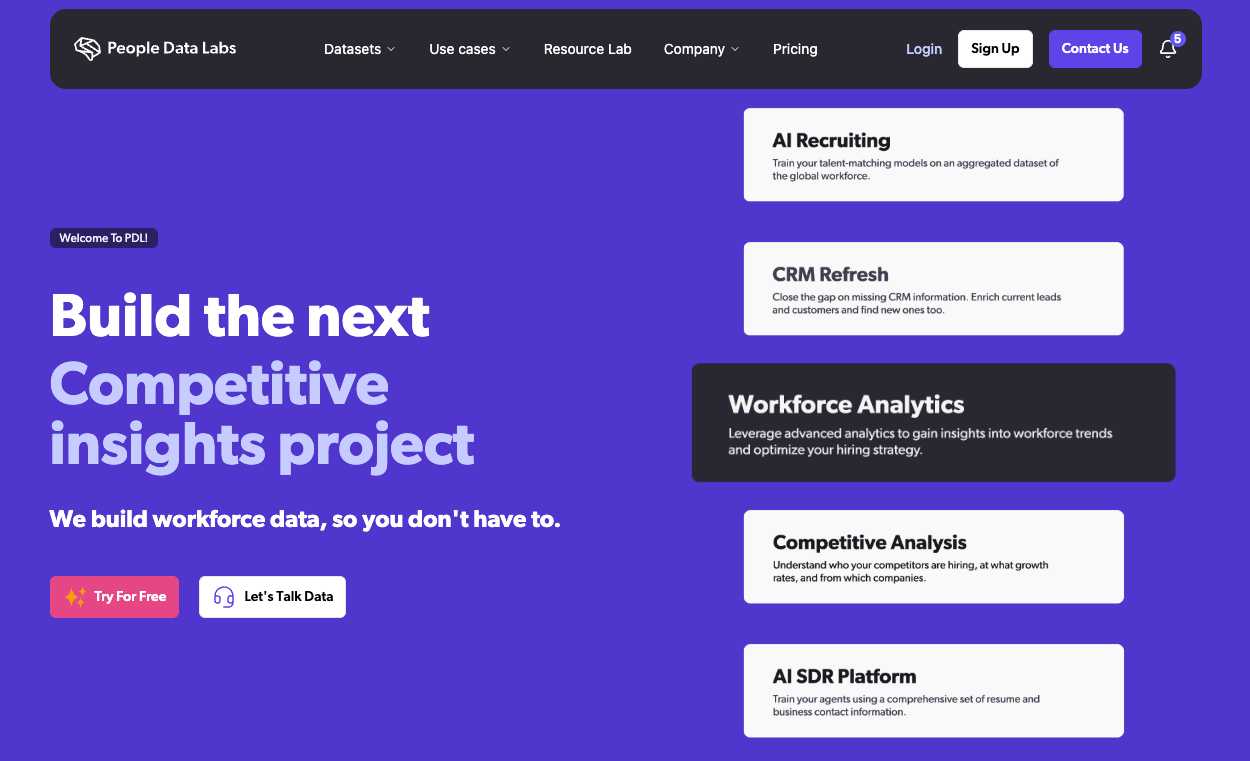
People Data Labs offers comprehensive enrichment data with extensive global coverage. They operate on a pre-compiled database model with monthly refresh cycles. PDL is a good choice for batch enrichment tasks where volume is the priority and up-to-the-minute freshness is less critical.
Apollo.io
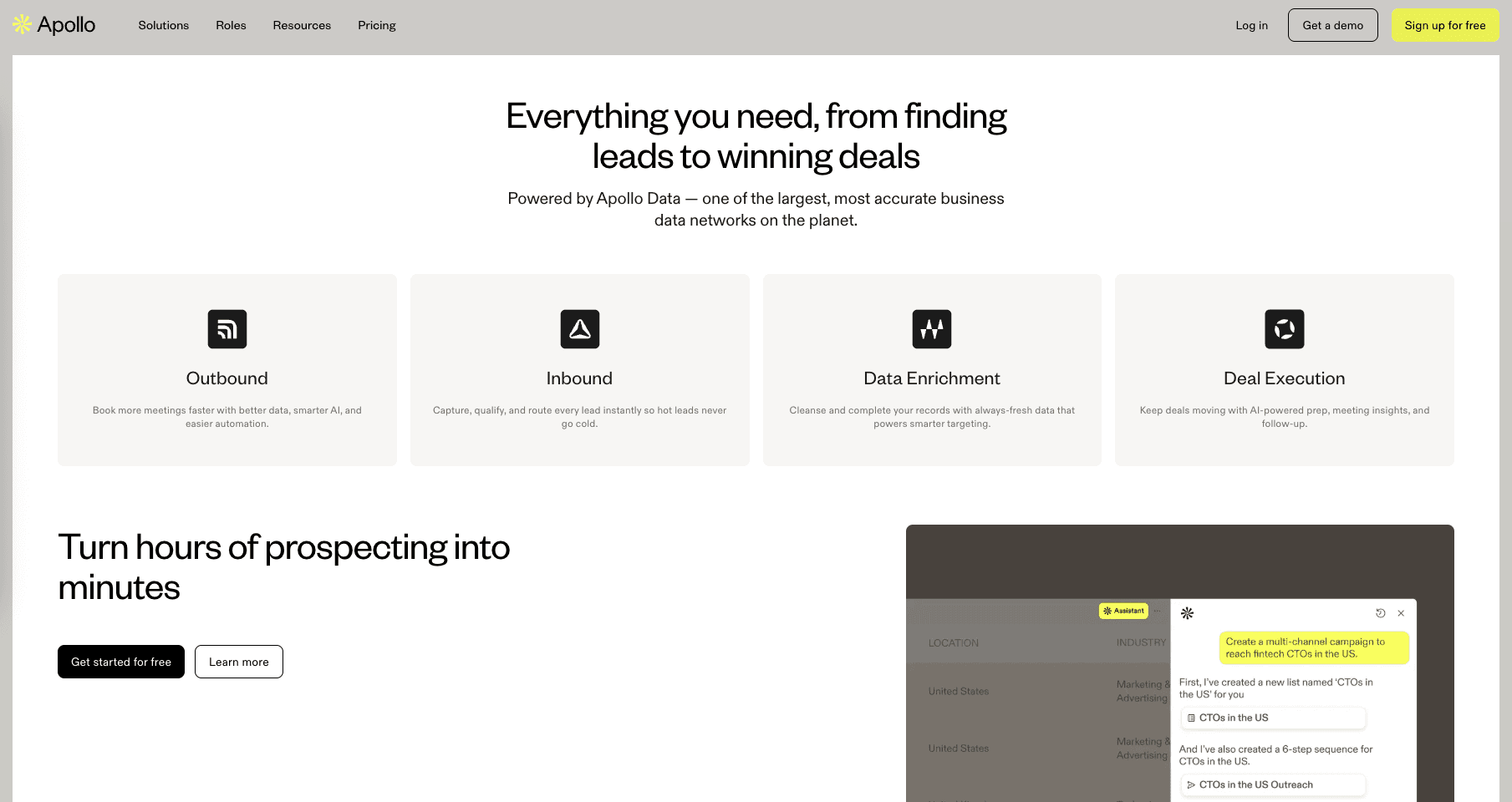
Apollo.io bundles a contact database with a sales-engagement platform for reps working inside its interface, but Crustdata is the choice when the data has to feed your own product or agent through an API.
Coresignal
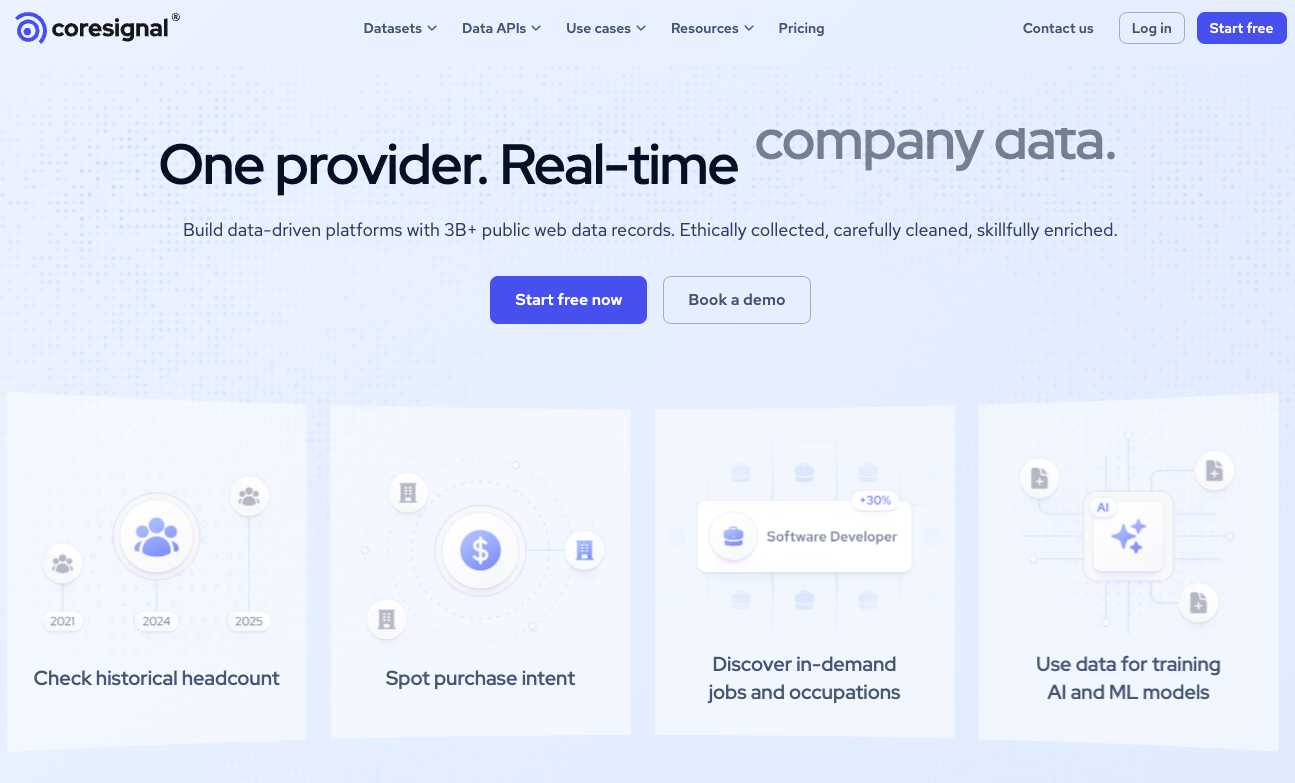
Coresignal specializes in bulk datasets and raw data access, often serving data science teams. They offer multiple data points per profile with search powered by Elasticsearch. Coresignal is generally better suited for analytical use cases and large-scale modeling rather than real-time application workflows.
If you want to test these platforms yourself, most providers offer some form of a free trial. These are great for validating the data structure, but keep in mind they come with strict limitations on rate limits and fields. For true production use cases, you will almost certainly need a paid plan.
Power your workflows with real-time people data
People search APIs give you programmatic access to professional profile data that would be impossible to gather manually. Ultimately, choosing the right provider comes down to your specific technical requirements. You need to decide whether your application requires broad discovery or targeted enrichment, and whether you are building for massive batch processing or instant, real-time lookups.
For teams building AI-powered products or time-sensitive workflows, data freshness is the whole ballgame. The difference between genuine real-time data and monthly refreshes labeled as "real-time" often determines whether you reach a prospect at the perfect moment or weeks after your competitor has already closed the deal.
If you are ready to build with data that is truly live, book a demo with Crustdata today to see how real-time signals can power your next product.


Products
Popular Use Cases
Competitor Comparisons
95 Third Street, 2nd Floor, San Francisco,
California 94103, United States of America
© 2026 Crustdata Inc.
Products
Popular Use Cases
Competitor Comparisons
95 Third Street, 2nd Floor, San Francisco,
California 94103, United States of America
© 2026 CrustData Inc.
Products
Popular Use Cases
Competitor Comparisons
95 Third Street, 2nd Floor, San Francisco,
California 94103, United States of America
© 2026 Crustdata Inc.
🎉 We hit $10M ARR!
$600k to $10m in 1.5 years. Our entire GTM is powered by our own APIs.
🎉 We hit $10M ARR in 1.5 years!
