8 Best CRM Data Enrichment Tools to Close More Deals [Comparison List]
Explore the best CRM data enrichment tools and choose the right fit to improve data quality, personalize outreach, and make better decisions.
Published
May 2, 2026
Written by
Chris P.
Reviewed by
Nithish A.
Read time
7
minutes
CRM data enrichment tools fill in missing details on your contacts and accounts so your team can route leads faster, personalize outreach, and act on better data. The problem is that most teams are already working from a CRM that is significantly inaccurate.
According to Validity's 2025 State of CRM Data Management report, 76% of organizations say less than half their CRM data is accurate and complete.
This guide compares 8 CRM data enrichment tools based on how they fit into your workflow, how fresh the data is, and which use cases each one actually serves.
Key Takeaways
CRM data enrichment tools differ based on where they run, inside your CRM, through an API, or as part of a workflow layer
Data accuracy alone is not enough, stale records still lead to poor timing and missed opportunities
Multi-source enrichment improves field coverage but can introduce inconsistencies across records
CRM-native tools are easier to adopt but limit flexibility outside their ecosystem
Real-time enrichment matters most when your routing, scoring, or outreach depends on what changed recently
How These CRM Data Enrichment Tools Were Selected
Not every data provider fits CRM enrichment. Some are built for prospecting, others for analytics, and some only work inside a single platform. The tools in this list were selected based on how well they actually improve CRM data in day-to-day use.
CRM integration depth: Looked at how each tool connects to your CRM and updates records. Tools that support native sync or reliable API-based updates score higher than those that rely on manual exports.
Data freshness: Checked how often data is updated and whether enrichment happens from stored datasets or at the moment of request. Freshness matters if your workflows depend on recent changes like job moves or company growth.
Coverage across key fields: Evaluated how well each tool fills both contact and company data. This includes job titles, emails, firmographics, and other fields used in routing and segmentation.
Workflow flexibility: Assessed whether the tool supports different ways of working, including API access, automation, and real-time updates. Some tools are easier to use but limit how far you can extend them.
Each tool in this list meets a different combination of these criteria, which is why the best choice depends on how your team uses CRM data.
8 Best CRM Data Enrichment Tools For Closing Deals in 2026
The table below gives a quick side-by-side overview, so you can see where each tool fits at a glance before we break them down in more detail.
Tool | Best For | CRM Fit | Data Freshness | Pricing |
Crustdata | Real-time enrichment for routing, scoring, and AI workflows | API + workflow integrations | Real-time (request-time data) | Custom |
FullContact | Identity resolution and customer profile enrichment | CRM + CDP integrations | Real-time (identity graph) | Custom |
SalesIntel | Human-verified B2B contact data | CRM integrations (Salesforce, HubSpot) | 90-day refresh cycle | Custom |
LeadIQ | Prospect capture and CRM enrichment during outreach | CRM sync + Chrome extension | Monthly updates | $20/user/month |
Demandbase | Account-level enrichment and intent data | CRM + ABM platform integrations | Daily updates | Custom |
Kaspr | EU contact enrichment with phone data | CRM sync + Chrome extension | Monthly updates | $65/user/month |
UpLead | Verified B2B contact and company data | CRM integrations + API | Real-time email verification on request | $99/month |
Clearout | Email verification and CRM data accuracy | API + CRM integrations | Real-time verification | $23/month |
1. Crustdata
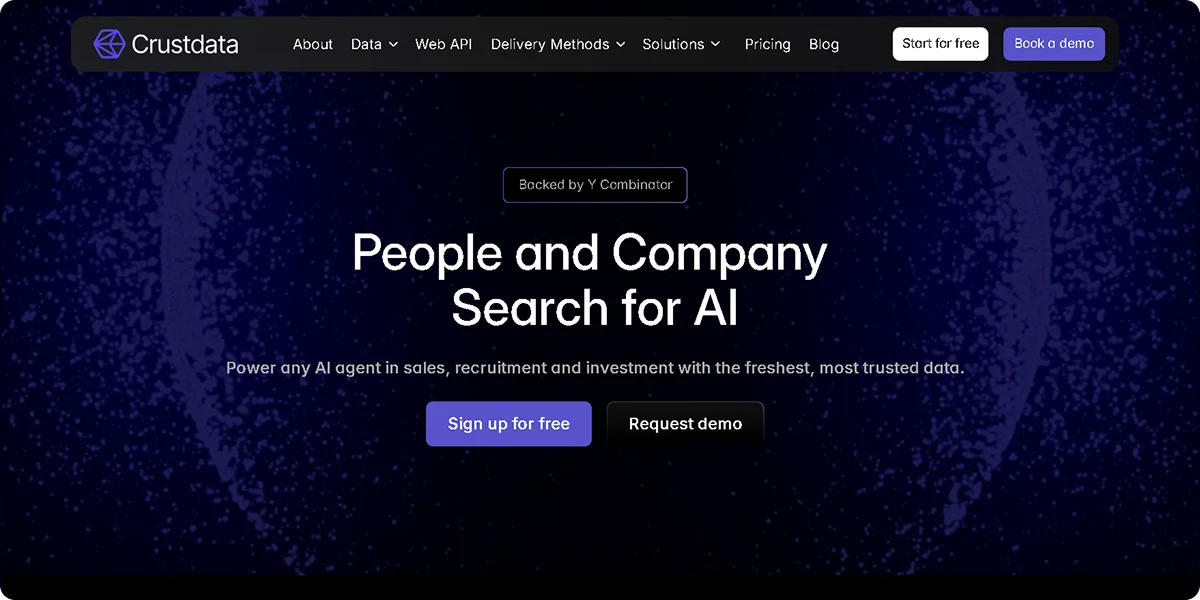
Crustdata is a B2B data platform built for teams that need CRM data to be accurate at the moment they use it. Instead of relying on a stored database, it pulls data at request time from multiple verified sources. It fits workflows where enrichment feeds lead routing, scoring, outbound triggers, or AI agents, and timing directly affects outcomes.
Key features
Live enrichment at request time: Pulls company and contact data when the API is called, returning current job titles, employers, and company signals instead of a cached snapshot
Multi-source data retrieval: Combines results from several verified sources in a single response to improve coverage across company and contact fields
Event-driven alerts (Watcher API): Sends webhooks when changes occur, such as job moves, funding events, hiring spikes, or new office openings
Deep company and people data: Returns firmographics, headcount ranges, growth trends, funding details, and role-level information in one payload
Granular filtering and queries: Supports complex targeting with 90+ company filters and 20+ people filters using boolean logic
Workflow integration support: Connects directly to internal systems, CRMs, and automation tools through API and webhook-based delivery
Pros
Returns data that reflects current state rather than stored snapshots, which helps avoid acting on outdated records
Triggers workflows based on real-world events instead of batch updates, improving timing for outreach and routing
Improves decision-making across pipelines where timing matters, such as lead prioritization and scoring
Handles complex targeting without combining multiple tools or data providers
Cons
Requires API setup and technical resources to integrate into workflows
Pricing
Crustdata uses custom pricing based on API usage volume, data access, and feature requirements.
2. FullContact
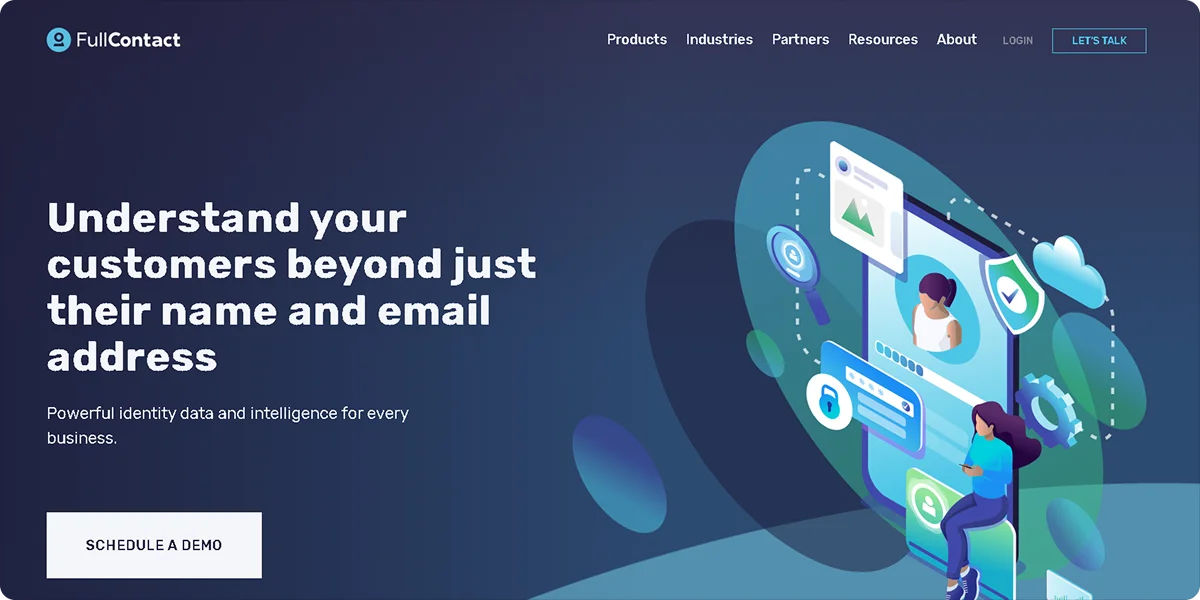
FullContact is a customer data platform built around identity resolution and profile enrichment. Instead of just filling missing fields. It focuses on connecting scattered data points across systems into a single, consistent profile you can use inside your CRM. It’s most useful when your data is fragmented across tools and you need a unified view of each contact.
Key features
Identity graph: Combines data from multiple sources to create a unified profile for each contact, linking identifiers like emails, devices, and records across systems
Data resolution and matching: Matches duplicate or related records across platforms, helping you merge fragmented entries into a single contact
Profile enrichment: Adds firmographic, demographic, and behavioral attributes to existing CRM records to make them more complete
Data cleansing: Standardizes formats across records by fixing inconsistencies in fields like company names, job titles, and locations
Integration support: Syncs enriched and resolved data across CRMs, CDPs, and internal systems for ongoing consistency
Pros
Resolves duplicate and fragmented records across systems, reducing inconsistencies in your CRM
Builds unified customer profiles that combine multiple identifiers into a single record
Improves overall data consistency across your stack, not just within the CRM
Cons
Requires setup to define matching logic and integrate multiple data sources
Limits usefulness for outbound prospecting or contact discovery workflows
Pricing
FullContact uses custom pricing based on data volume, identity resolution needs, and integrations. Pricing is typically contract-based and not publicly listed.
3. SalesIntel
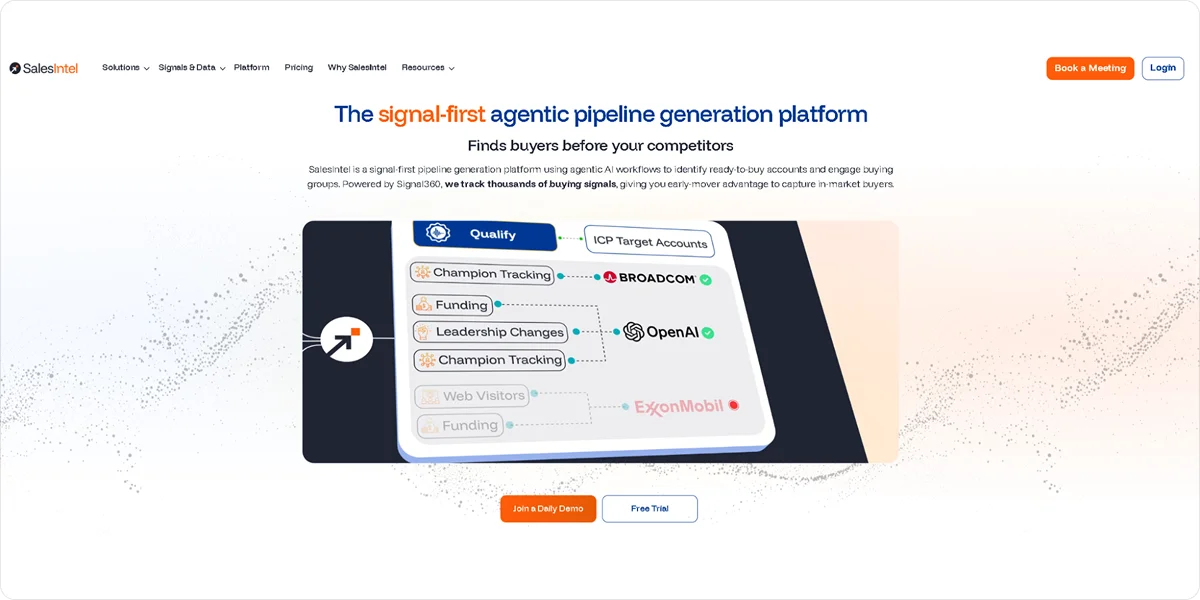
SalesIntel is a B2B data provider centered on human-verified contact data. It’s designed for teams that prioritize accuracy over scale, especially when outreach depends on having reliable emails and phone numbers in the CRM.
Key features
Human-verified contacts: Uses manual verification processes to confirm the accuracy of contact details before they are added to the dataset
Contact and company enrichment: Adds emails, direct dials, and firmographic data to existing CRM records
Intent data integration: Surfaces signals that indicate when accounts are actively researching solutions
CRM integrations: Syncs enriched records into CRM systems like Salesforce and HubSpot for immediate use
Research-on-demand: Allows users to request missing contacts, which are then researched and added to the dataset
Pros
Improves contact accuracy through human verification, reducing the risk of bad data
Supports outbound workflows with reliable emails and phone numbers
Provides additional research support when contacts are missing from the database
Cons
Covers a smaller dataset compared to large automated providers
Refreshes data on a 90-day cycle, meaning records can be up to three months out of date between verification runs
Pricing
SalesIntel offers custom pricing based on seat count, data access, and feature requirements.
4. LeadIQ
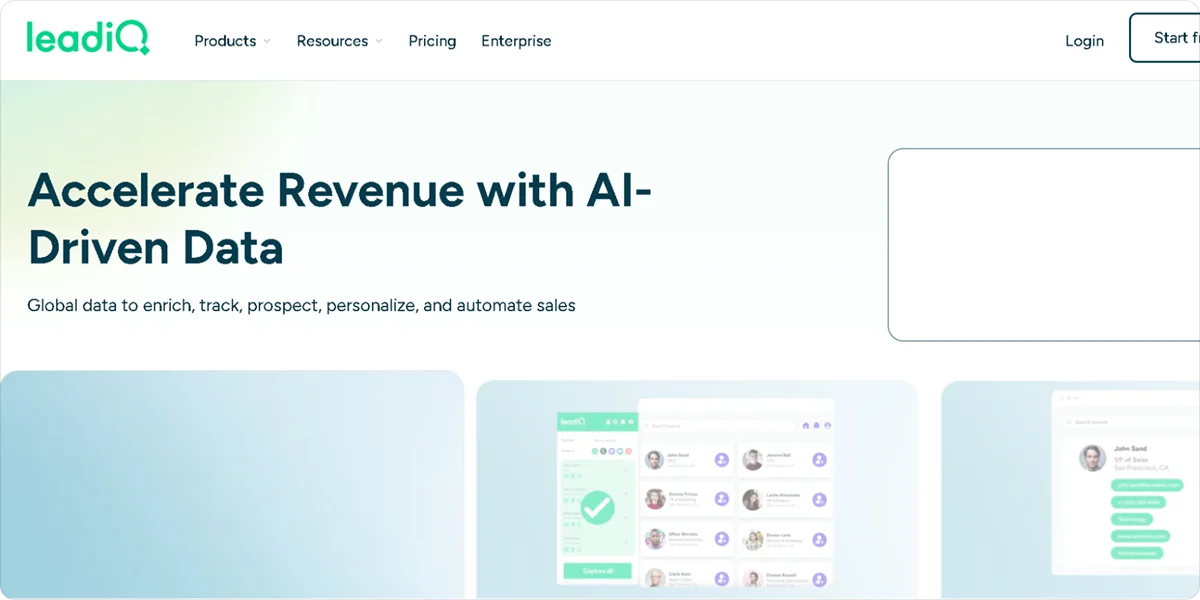
LeadIQ is designed to capture and enrich contact data as you build your pipeline. Instead of treating enrichment as a separate step, it fits into your outbound workflow, helping you collect, verify, and sync contact data into your CRM in real time.
Key features
Prospect capture: Collects contact details during prospecting and sends them directly into your CRM
Contact enrichment: Adds missing fields such as job titles, company data, and email addresses to captured contacts
CRM sync: Pushes enriched data into CRM systems automatically, reducing manual entry
Email verification: Checks the validity of email addresses before saving them to reduce bounce rates
Workflow integration: Connects with outreach tools so enriched contacts can be used immediately in sequences
Pros
Reduces manual data entry by capturing and enriching contacts during prospecting
Keeps CRM records updated as new leads are sourced and added
Combines capture, verification, and enrichment into a single workflow
Cons
Depends on user activity to drive data capture and updates
Limits usefulness for bulk enrichment or large-scale data maintenance
Pricing
LeadIQ offers a free plan with 50 credits. Paid plans start at $20 per user per month. Pricing scales per user and is tied to a monthly credit system, with higher tiers and enterprise plans available through custom pricing.
5. Demandbase
Demandbase is an account-based platform that combines enrichment with intent data and account intelligence. It focuses on enriching company-level data inside your CRM and helping you prioritize accounts based on fit and buying behavior.
Key features
Account enrichment: Adds firmographic data such as company size, industry, and revenue to CRM records
Intent data signals: Identifies accounts showing buying behavior across external sources
Account identification: Matches anonymous website visitors to known companies using IP-based detection
Data orchestration: Syncs enriched data across CRM and marketing systems for consistent use
Segmentation tools: Builds account segments based on firmographic and behavioral attributes
Pros
Strengthens account targeting with intent data and firmographic enrichment
Improves prioritization by highlighting accounts actively researching solutions
Integrates deeply with CRM and marketing platforms for account-based workflows
Cons
Focuses more on company-level data than individual contact enrichment
Requires setup and alignment with ABM strategies to get full value
Pricing
Demandbase uses custom pricing based on platform modules, data usage, and company size.
6. Kaspr
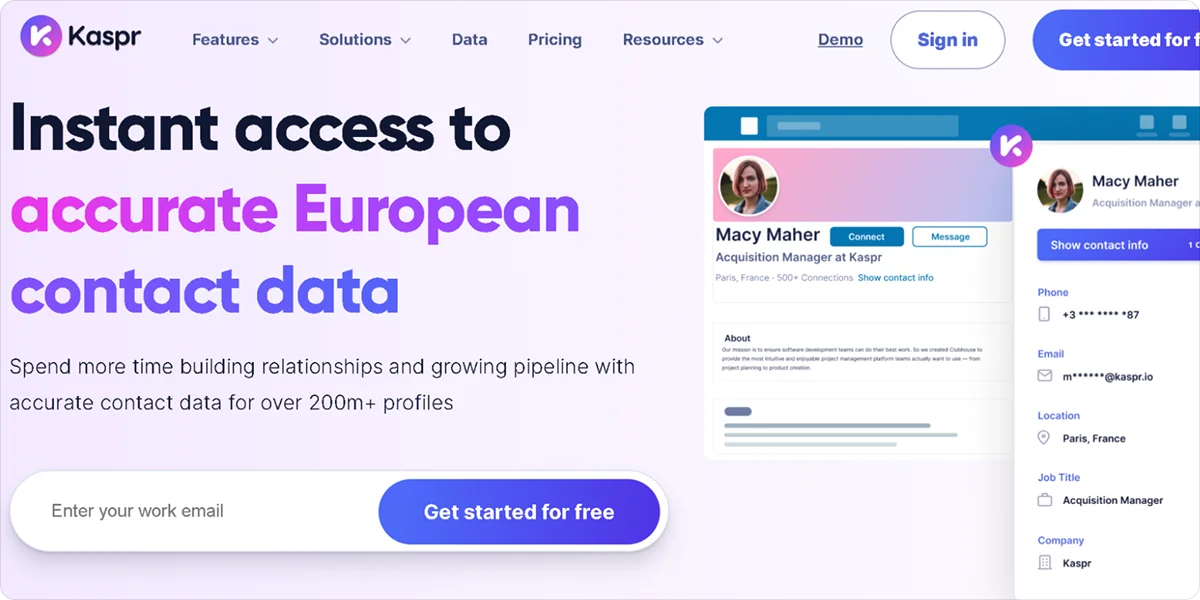
Kaspr is a contact enrichment tool focused on providing direct contact details, including emails and phone numbers. It’s commonly used for outbound workflows where reaching the right person quickly matters.
Key features
Contact enrichment: Adds emails and phone numbers to CRM records
Phone number access: Provides direct dial numbers for outreach
CRM sync: Sends enriched contacts directly into your CRM
Data export: Supports bulk export of enriched contact data
Compliance support: Aligns with European data protection requirements
Pros
Improves access to direct contact data, especially phone numbers for outreach
Supports outbound workflows that rely on quick access to decision-makers
Provides a simple setup that allows teams to start using it quickly
Cons
Focuses mainly on contact-level enrichment with limited company insights
Delivers less consistent coverage outside European markets
Pricing
Kaspr offers a free plan with 15 B2B credits per month. Paid plans start at $65 per user per month or $49 per user per month when billed annually.
7. UpLead
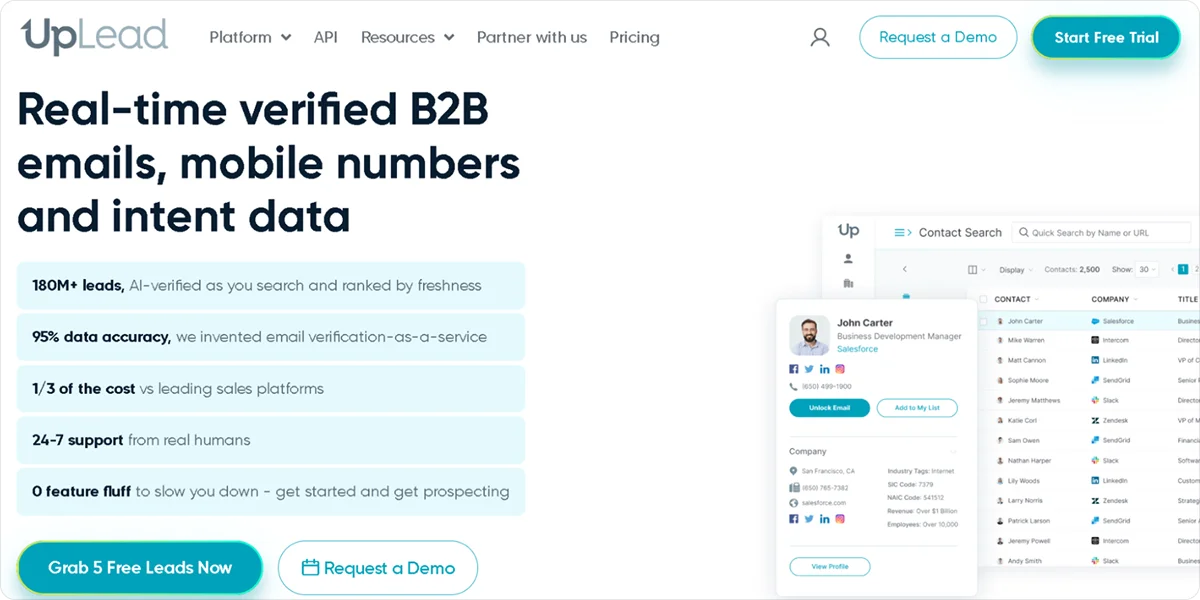
UpLead is a B2B data platform focused on delivering verified contact and company data. It’s designed for teams that want accurate enrichment without building complex workflows or managing multiple data providers.
Key features
Contact enrichment: Adds verified emails and company data to CRM records
Real-time email verification: Checks email validity at the point of enrichment to reduce bounce rates
Firmographic filters: Supports segmentation based on company attributes such as size, industry, and location
CRM integrations: Syncs enriched data directly into CRM systems
Data export: Allows bulk list building and enrichment for campaigns
Pros
Improves data accuracy with real-time email verification before export or use
Keeps enrichment simple and easy to manage without technical setup
Provides reliable contact and company data for basic CRM enrichment needs
Cons
Limits automation compared to API-first or workflow-based tools
Reduces flexibility for teams needing custom workflows or integrations
Pricing
UpLead offers a 7-day free trial. Plans start at $99 per month with credit-based usage tiers.
8. Clearout
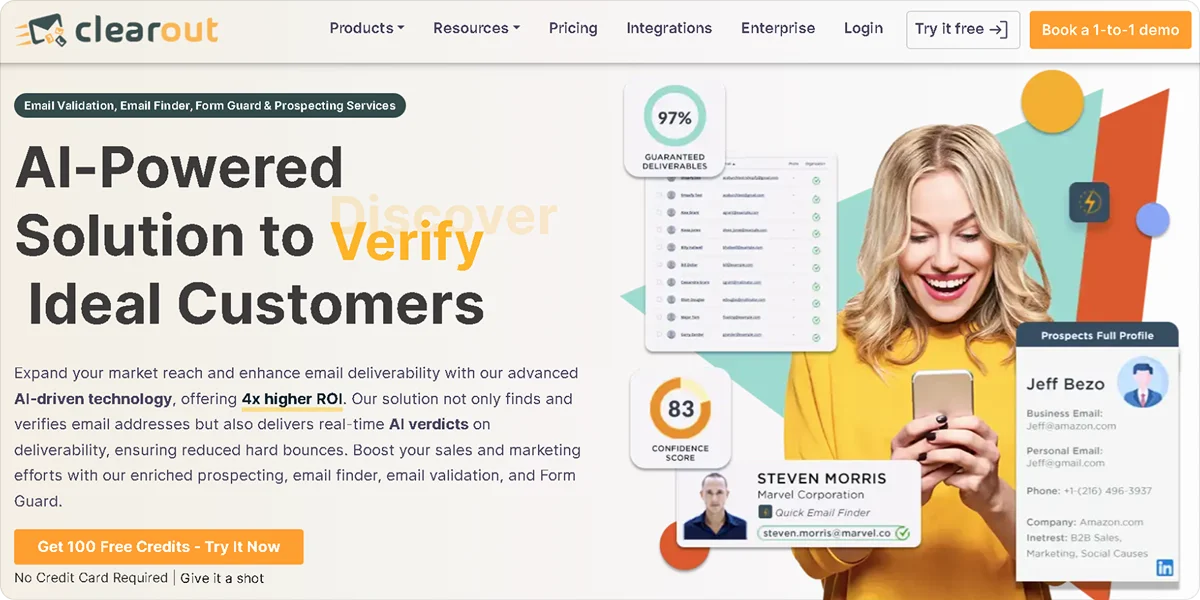
Clearout is an email verification and data accuracy tool used alongside enrichment platforms. It focuses on ensuring that the data in your CRM is usable, particularly for outbound campaigns. Implementing a reliable email verifier helps maintain a clean list by performing validation checks to ensure bounce rates remain low.
Key features
Email verification: Validates email addresses before they are added to your CRM
Bulk verification: Processes large contact lists to remove invalid or risky emails
Enrichment support: Adds basic contact details alongside verification where available
API access: Connects verification workflows to CRM and internal systems
Integration support: Syncs with CRM and marketing tools to maintain clean data
Pros
Reduces bounce rates by validating emails before they enter your CRM
Improves overall data quality by filtering out invalid or risky contacts
Supports use as a verification layer alongside enrichment tools
Cons
Provides limited company-level or firmographic data
Requires pairing with another tool for complete CRM enrichment workflows
Pricing
Clearout uses a credit-based pricing model with flexible options, including pay-as-you-go, monthly, and annual subscriptions. Pay-as-you-go pricing starts at around $40 for 5,000 credits, while subscription plans start at $23 per month.
How to Choose the Right CRM Data Enrichment Tool
The right tool depends less on features and more on how enrichment fits into your workflow. Most teams don’t need everything, they need the part that actually fixes how their CRM is used day to day.
Start with where enrichment happens: Decide if you want enrichment inside your CRM, through an API, or as part of a workflow. CRM-native tools are easier to use, but API and workflow tools give you more control over how data is applied.
Check how fresh the data needs to be: Look at how often your team acts on CRM data. If enrichment feeds routing, scoring, or outreach timing, stale data becomes a problem quickly. Tools that update in batches can lag behind real changes.
Separate contact data from account data needs: Decide if you need individual contact details, company-level data, or both. Some tools are strong on firmographics, others focus on emails and phone numbers.
Match the tool to your team setup: Consider who will use the tool. Sales teams need something simple and accessible. Ops or engineering teams can handle API-based tools that require setup but offer more flexibility.
Look at how enrichment fits your workflow: Check how data moves from the tool into your CRM. Some tools sync automatically, while others require manual steps or additional configuration.
Understand how pricing scales: Review how costs increase as usage grows. Credit-based models, seat-based pricing, and custom contracts can all affect long-term cost.
Choosing the right tool comes down to how well it fits into your existing process, not how many features it offers.
Why Crustdata Is the Best CRM Data Enrichment Tool for Real-Time Workflows
Most CRM enrichment tools are built to fill gaps. They improve completeness by adding emails, firmographics, or contact details to existing records. That helps with segmentation and basic routing, but it does not solve the timing problem: a record can be complete and still be wrong by the time your team acts on it.
Crustdata pulls data from 10+ verified sources at the moment of each API request rather than serving records from a stored database. For each company in your results, a single call returns:
Firmographic data: Covers industry, headcount, revenue range, headquarters, and company type
Headcount growth percentages: Tracks changes across six-month, one-year, and two-year windows
Funding signals: Surfaces total investment raised, funding stage, and most recent round date
Technographic signals: Pulls tool usage from job postings and company descriptions
95+ company filters and 20+ people filters: Builds hyper-targeted lists based on live data
Real-time enrichment APIs: Turns a company name or domain into a full profile with 250+ data points from 10+ verified sources
The Watcher API monitors a defined set of accounts and fires a webhook the moment a qualifying event occurs, including a new funding round, an executive hire, or a headcount spike. For teams dealing with the broader B2B data challenges that come with automated pipelines, this removes the gap between when something changes at a target account and when your team can act on it.
If your CRM feeds AI sales agents or live routing logic, enrichment that runs on a fixed schedule will always introduce lag. Crustdata removes that variable by returning data at the moment your system needs it. For a deeper look at how data enrichment API use cases apply to automated workflows, see our full guide.
Want to see how accurate your current CRM data is against live signals?
Book a demo to see Crustdata's enrichment and Watcher APIs in action.
FAQs
What does a CRM data enrichment tool actually add to your data?
A CRM data enrichment tool fills in missing fields on your contacts and accounts, such as job titles, company size, industry, and contact details. It can also update existing records so your CRM reflects current information instead of outdated entries.
How often should CRM data be enriched?
It depends on how quickly your data becomes outdated. For most teams, enriching data regularly or continuously works better than one-time updates, especially when contacts change roles or companies frequently.
Is CRM data enrichment the same as data cleaning?
No. Data cleaning fixes errors like duplicates and formatting issues, while enrichment adds new information to incomplete records. Most teams need both to keep their CRM accurate and usable.


Products
Popular Use Cases
Competitor Comparisons
Use Cases
95 Third Street, 2nd Floor, San Francisco,
California 94103, United States of America
© 2026 Crustdata Inc.
Products
Popular Use Cases
Competitor Comparisons
Use Cases
95 Third Street, 2nd Floor, San Francisco,
California 94103, United States of America
© 2025 CrustData Inc.
Products
Popular Use Cases
Competitor Comparisons
Use Cases
95 Third Street, 2nd Floor, San Francisco,
California 94103, United States of America
© 2026 Crustdata Inc.